วันเสาร์ที่ 14 กันยายน พ.ศ. 2556

23 Places which are forbidden to display on Google Maps


23 Places which are forbidden to display on Google Maps พิกัดที่กูเกิลเอิร์ธแสดงไม่ได้

    Mapping service Google Maps displays the entire Earth. Well, almost all. Some places are just not available for viewing or specially painted over or washed out.

ตำแน่งความลับของหลายๆ ประเทศในโลกนี้  เราไม่อาจเรียกใช้บริการของ Google Earth ได้
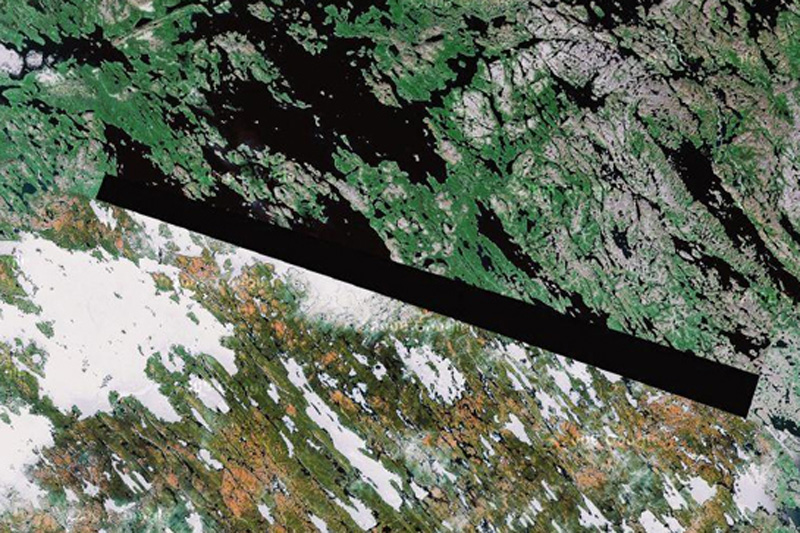
Google Maps January 23 seats, which are prohibited for display on Google Maps
1. Baker Lake, the territory of the Inuit in northern Canada
A man who identified himself as "Dr. Boylan" believes shaded area in this image and in some other locations, hiding extraterrestrial beacons aliens.
ทะเลสาปเบเกอร์  ตอนเหนือของประเทศแคนาดา  
ชายที่เรียกตัวเองว่า "Dr. Boylan" เชื่อว่า เป็นที่หลบซ่อนของมนุษย์ต่างดาว
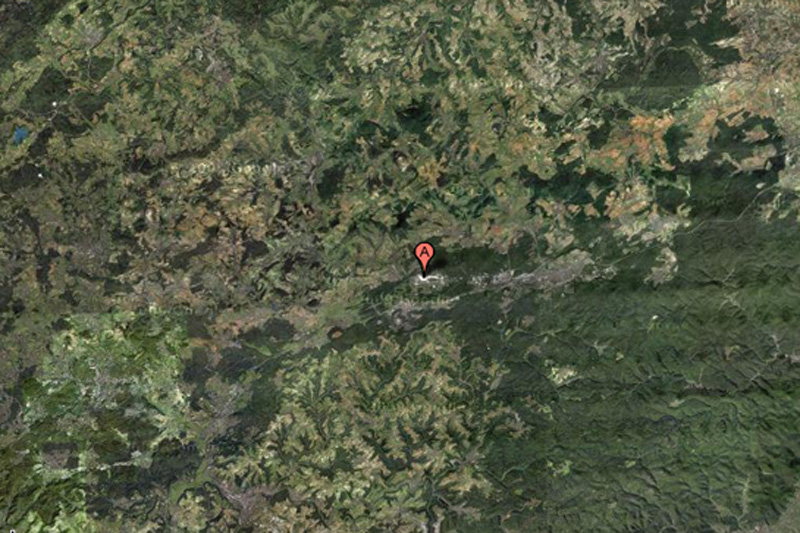

Google Maps on February 23 places that are forbidden to display on Google Maps
2. Air base Ramstein, Germany
This NATO air base is the starting point for the forces of "Operation Iraqi Freedom", and for this reason can certainly be a target for terrorist attacks. This may explain why the object is partially carved out of Google Maps.
 ฐานทัพอากาศแรมสไตน์ ประเทศเยอรมนี
 เป็นฐานทัพของนาโต (พันธมิตรทางทหาร ประกอบด้วยสหรัฐอเมริกา และกลุ่มประเทศยุโรปตะวันตก)
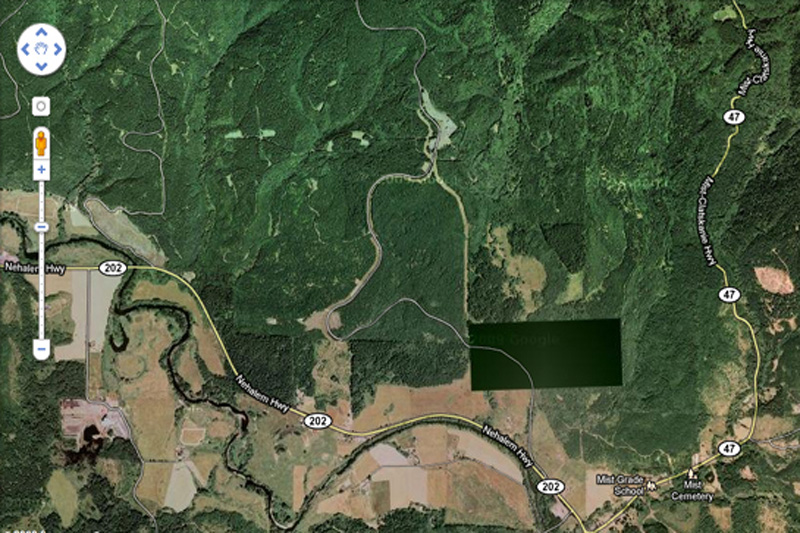
Google Maps on March 23 places that are forbidden to display on Google Maps
3. Pacific Northwest, USA
What exactly we do not see in this photo? This place is not far from the border of the states of Washington and Oregon. Enthusiasts have personally inspected the place and found nothing remarkable but ominous-looking fence and no marked entrance.
ชายฝั่งมหาสมุทรแปซิฟิกตะวันตกเฉียงเหนือ สหรัฐอเมริกา
เมื่อไปดูสถานที่จริงก็ไม่มีอะไรผิดสังเกต ทุกอย่างปกติ (แต่จริงๆ คงมีอะไรซ่อนอยู่)
Google Maps April 23 seats, which are prohibited for display on Google Maps
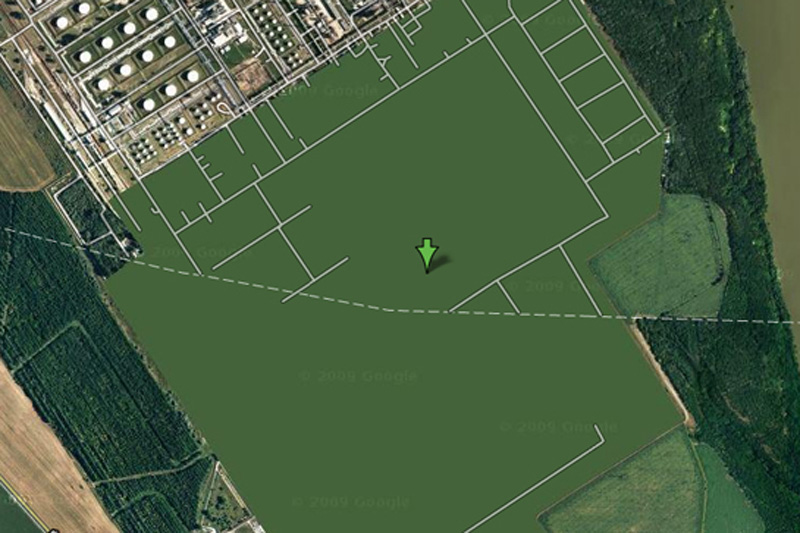
4. Oil refinery Shazalombatta, Hungary
This is one of the most bizarre specimens of censorship in Google Maps - this place is just drawn in green. Area of ​​the plant is removed, the building erased, and all you can see - this is a common herb.
 โรงกลั่นน้ำมัน ประเทศฮังการี 
ดูๆ ก็ไม่มีอะไรแปลก แต่ดูด้วยกูเกิลเอิ์ธไม่ได้
Google Maps on May 23 seats, which are prohibited for display on Google Maps
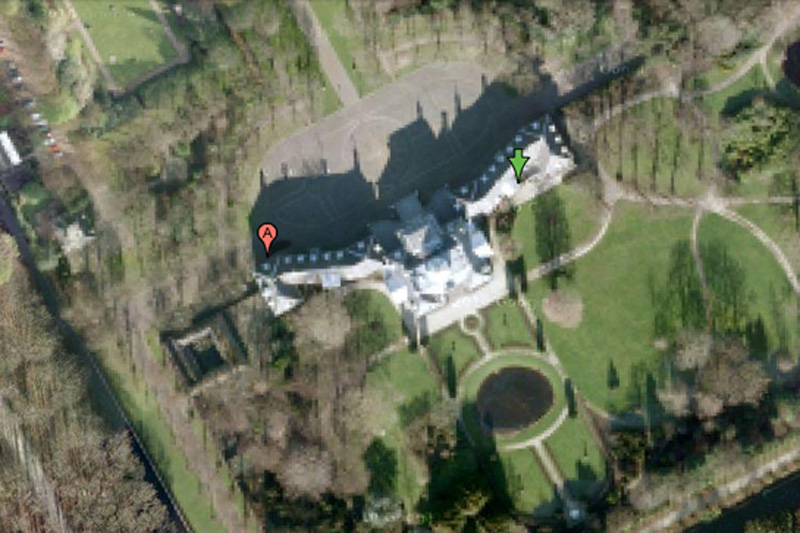
5. Palace Hyuis Ten, The Netherlands
It is difficult to imagine that the Dutch royal family can be a prime target for mad terrorists, but the royal palace Hyuis Ten severely eroded on Google Maps when viewed from any angle. (However, the surrounding area and trees at close increase seen in crystal clarity.)
พระราชวังของเนเธอร์แลนด์
เกรงว่า อาจจะเป็นเป้าโจมตีของคนที่ไม่ชอบราชวงศ์ได้ 
Google Maps June 23 seats, which are prohibited for display on Google Maps
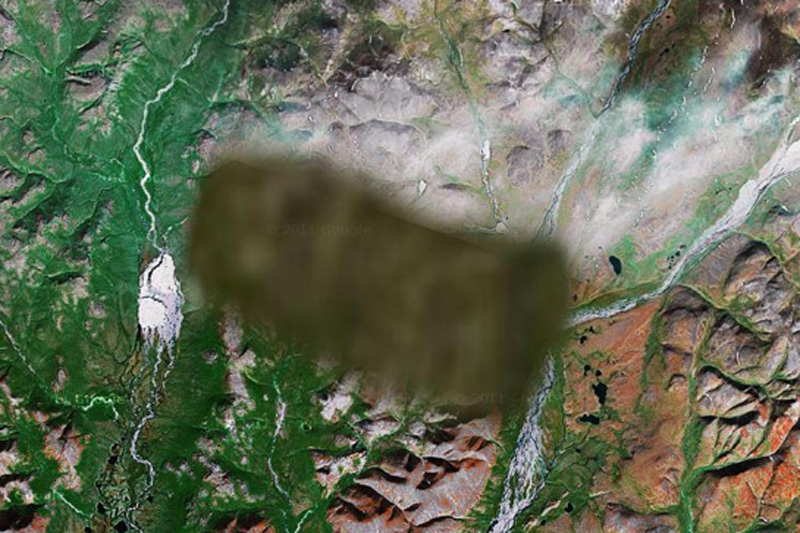
6. Unknown zone, Russia
No one knows what lies in the region. One view - that there is a "radar or missile interception system," and some say that a picture is inserted into the surrounding area from another region of Russia.
ไม่ทราบตำแหน่ง  ประเทศรัสเซีย
เป็นจุดที่ตั้งระบบป้องกันภัยทางยุทธศาสตร์ ของประเทศมหาอำนาจทางทหาร อย่างสหพันธรัฐรัสเซีย
Google Maps on July 23 seats, which are prohibited for display on Google Maps
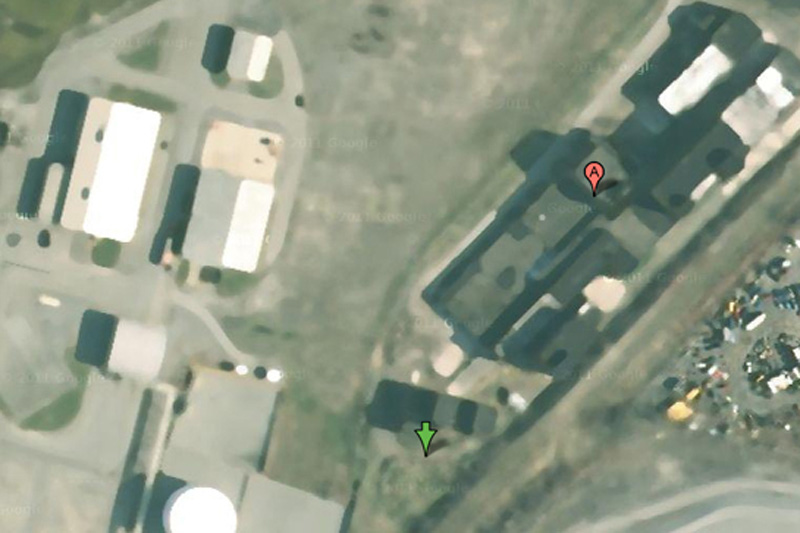
7. Oil Corporation Mobil, Buffalo, New York, USA
Some have criticized the company for Mobil of Buffalo blur pictures of her business, saying that oil companies are not much of interest to terrorists. On the other hand, we do not know what they think the terrorists themselves.
บริษัทน้ำมันยักษ์ใหญ่ โมบิลออยล์  ณ เมืองบัฟฟาโล รัฐนิวยอร์ก
คงกลัวว่า จะเป็นเป้าหมายของผู้ก่อการร้าย
Google Maps August 23 places that are forbidden to display on Google Maps
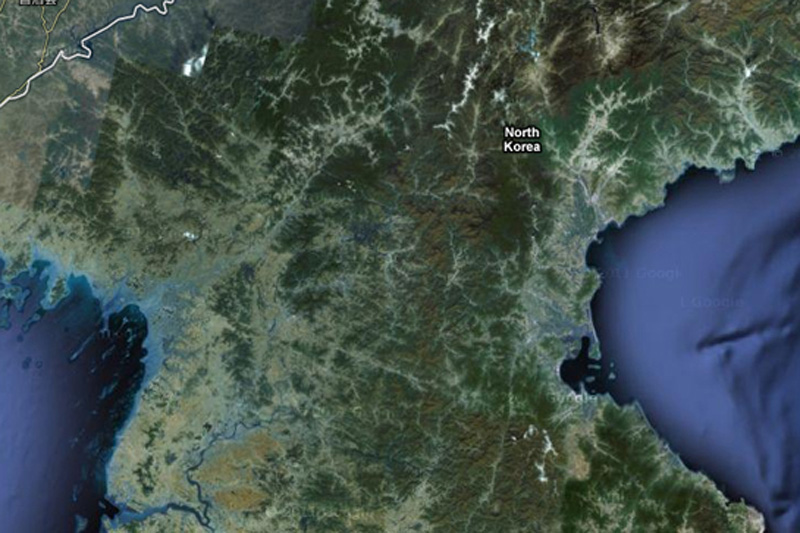
8. North Korea
About the country of the alleged "Axis of Evil", heard everything, but very few people have ever visited her. You will not see it on Google Maps, since the whole country exists in images but without road markers, street names or any other identifying details.
เกาหลีเหนือ
ประเทศที่ถูกกล่าวหาว่า เป็นแกนนำแห่งความชั่วร้าย  ก็คงต้องระวังตัวเองไม่ให้เป็นเป้าโจมตีได้
Google Maps September 23 places that are forbidden to display on Google Maps
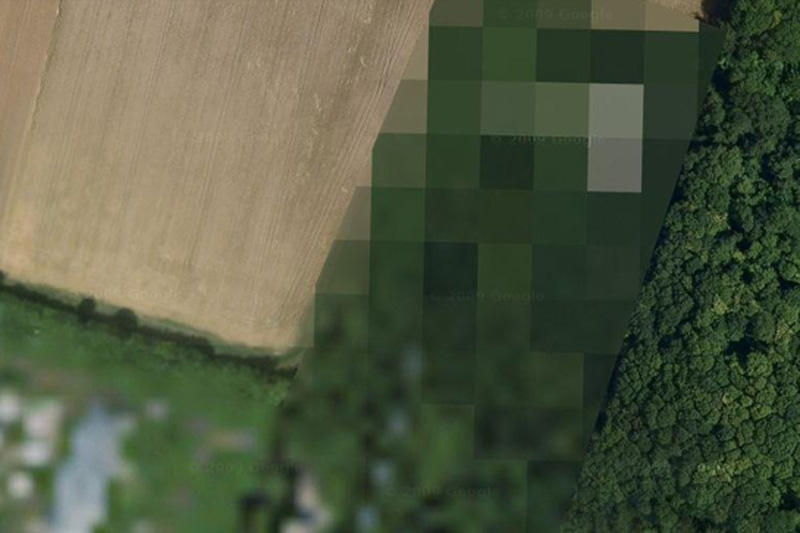
9. The airbase at Reims, France
The reasons for this air base locked in Google Maps, is unknown.
ฐานทัพอากาศ  ประเทศฝรั่งเศส
Google Maps October 23 seats, which are forbidden to display on Google Maps
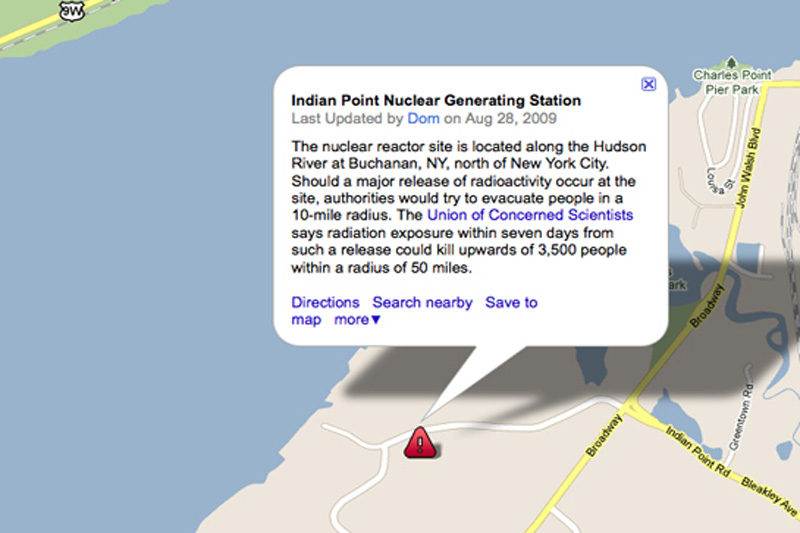
10. Indian Point Power Station, New York, USA
Many members of the government of the United States called for a halt Indian Point power plant. In addition to environmental concerns, according to experts in the field of energy, the power is not strong enough to withstand an earthquake, such as the one recently destroyed Japan.
โรงงานผลิตไฟฟ้า  รัฐนิวยอร์ก  
คงกลัวการก่อการร้ายนั่นแหละ  
Google Maps 11 23 places that are forbidden to display on Google Maps
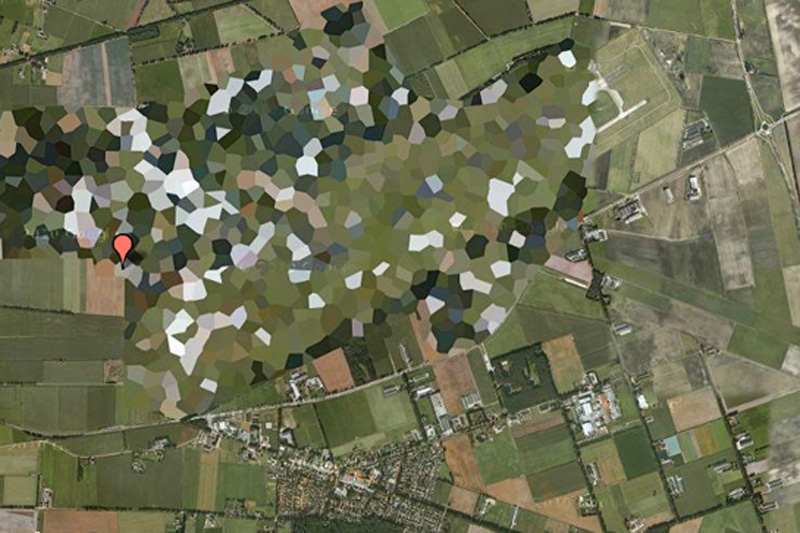
11. Volkel Air Base, Netherlands
Pretty funny to see how rough blurred this air base in satellite images, however, WikiLeaks published diplomatic correspondence, which confirms the presence of nuclear weapons on the territory of the base.
ฐานทัพอากาศ  ประเทศเนเธอร์แยนด์
Google Maps December 23 places that are forbidden to display on Google Maps
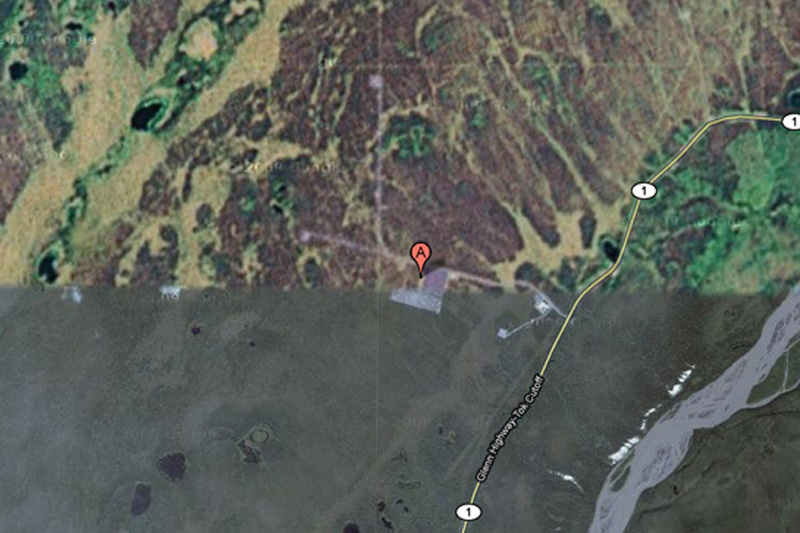
12. HAARP, Hakon, Alaska, USA
HAARP (High-Frequency Program Northern Lights) - this is one of the most controversial operations, which is currently being conducted in the United States. Hakon, space research, and ongoing experiments with the ionosphere there, some conspiracy theorists are honored to be the cause of anything - from floods to earthquakes, but very little evidence of this.
ศูนย์ศึกษาวิจัยภัยธรรมชาติ  รัฐอลาสกา (อยู่ในเขตขั้วโลกเหนือ)  สหรัฐอเมริกา

Google Maps 13, 23 beds, which are forbidden to display on Google Maps
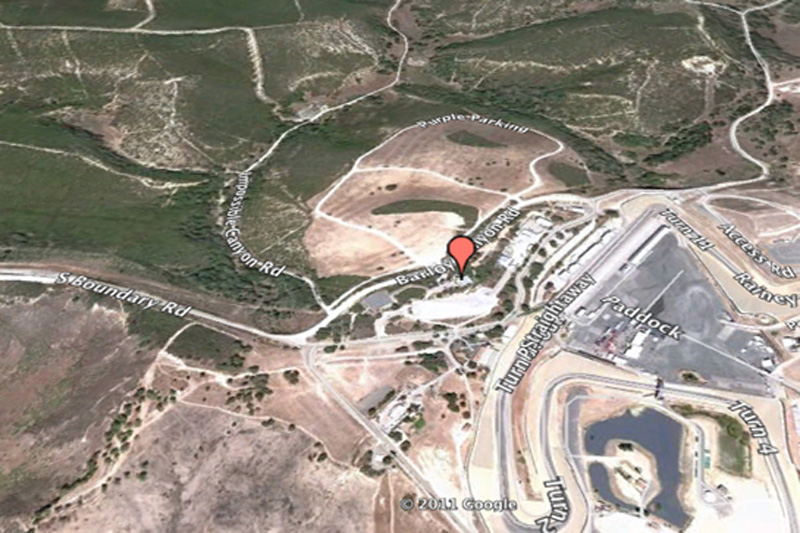
13. Mazda Raceway Laguna Seca, Salinas, California, United States
This is one of the most bizarre examples of censorship in Google Maps: Raceway Laguna Seca in Salinas, California. The strange thing in this is the fact: it is obviously harmless racing track.
สนามแข่งรถมาสดา  มลรัฐแคลิฟอร์เนีย  สหรัฐอเมริกา
Google Maps 14, 23 beds, which are forbidden to display on Google Maps
14. Babylon, Iraq
While the surrounding area has excellent visibility, the city of Babylon in the pictures blurred. You can bet that it has something to do with local rebels ...
สวนลอยบาบิลอน  ประเทศอิรัก
เป็นของเก่าแก่มาก เป็นสิ่งมหัศจรรย์ของโลกด้วย
Google Maps 15, 23 beds, which are forbidden to display on Google Maps
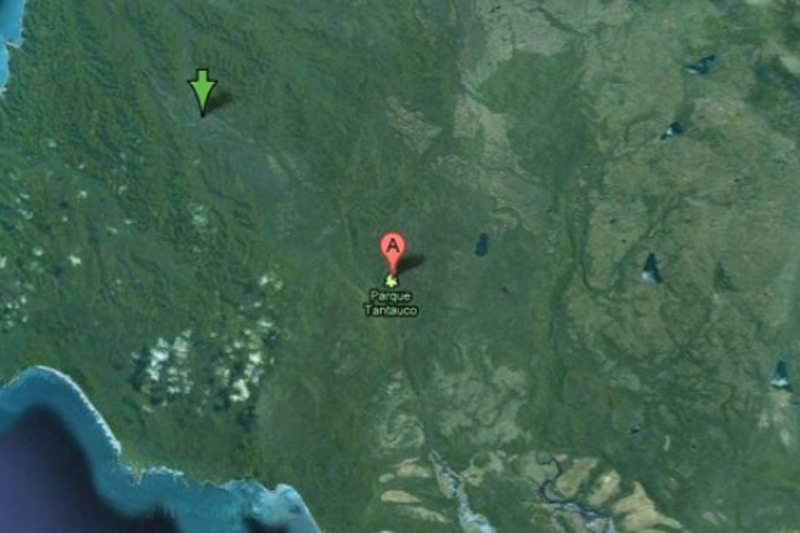
15. Tantauko National Park, Chile
For some reason, this preserve endangered species completely excised from Google Maps? No one knows.
อุทยานแห่งชาติ ประเทศชิลี
อาจจเป็นว่า มีสัตว์และพืชหายากที่ใกล้สูญพันธ์  ก็เลยปกปิดไม่ให้ใครสอดรู้สอดเห็น
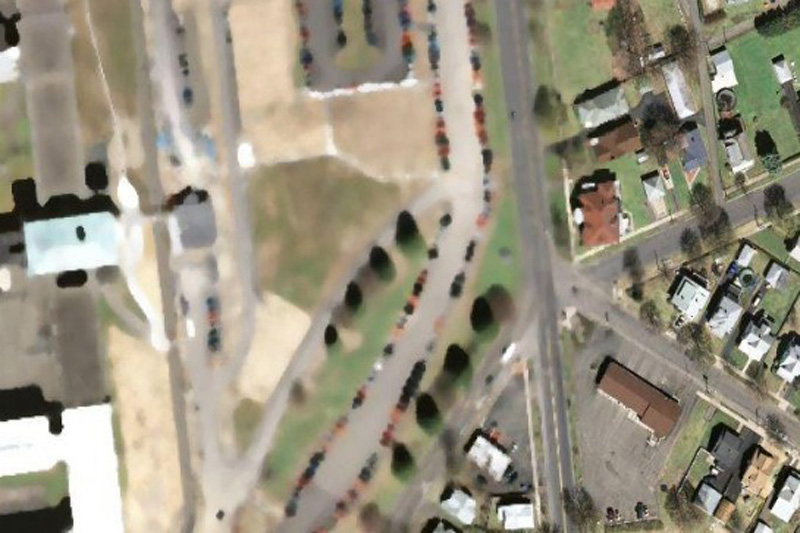
Google Maps 16, 23 beds, which are forbidden to display on Google Maps
16. "The Hill", a correctional facility in Elmira, USA
This is the highest level of reliability prison in the state of New York. Perhaps, after the riots in Attica prison, and several incidents of uprisings and mass escapes around the world, the authorities can really worry about the possibility of escapes by helicopter.
ทัณฑสถาน ขื่อว่า เดอะฮิลล์  สหรัฐอเมริกา
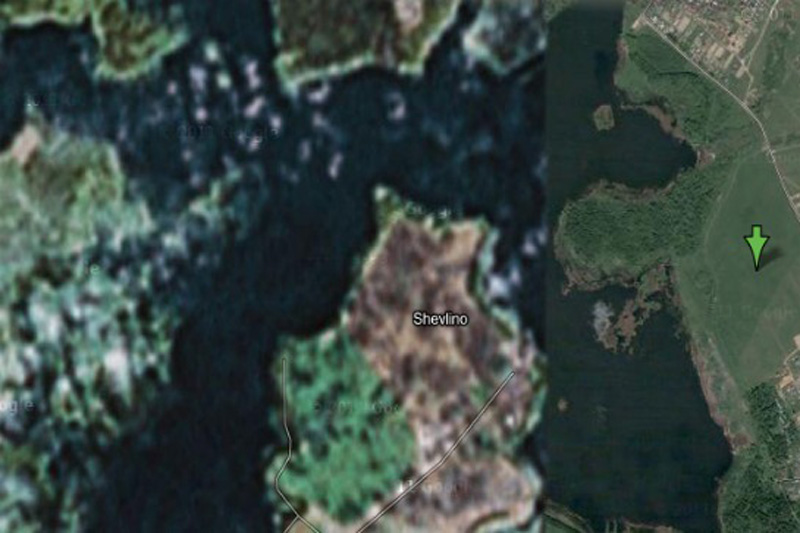
Google Maps 17, 23 beds, which are forbidden to display on Google Maps
17. House Alexei Miller, Russian
According to Wikipedia, this place is a "private palace Gazprom CEO Alexei Miller." But why is it in preference to all other people? Perhaps we are just not powerful enough to convince Google to cut our homes with satellite imagery.
สถานที่ส่วนบุคคล เป็นผู้บริหารระดับสูงของบริษัทยักษ์ใหญ่ ประเทศรัสเซีย
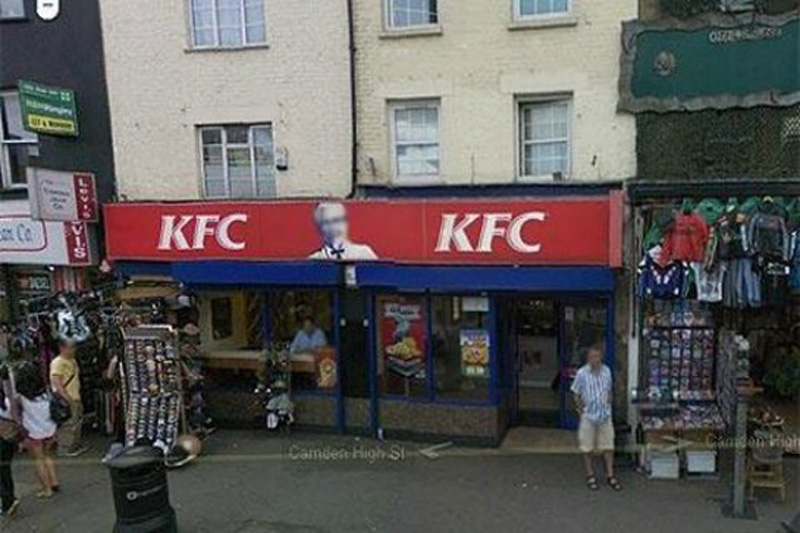
Google Maps 18, 23 beds, which are forbidden to display on Google Maps
18. Colonel Sanders
This is the strange fact from Google: Colonel Sanders, the person network Kentucky Fried Chicken, does not appear in a single shot from Google Street View. This is because, according to representatives of Google, which Sanders was a real person, and the images of real people have to be eroded in any pictures.
พันเอกแซนเดอร์ เจ้าตำนานไก่ KFC  สหรัฐอเมริกา

Google Maps 19, 23 beds, which are forbidden to display on Google Maps
19. Faroe Islands, Denmark
It is believed that in this area there are some unpublicized military installations.
เกาะในประเทศเดนมาร์ก
คาดว่า เป็นสถานที่ติดตั้งอาวุธลับทางทหาร
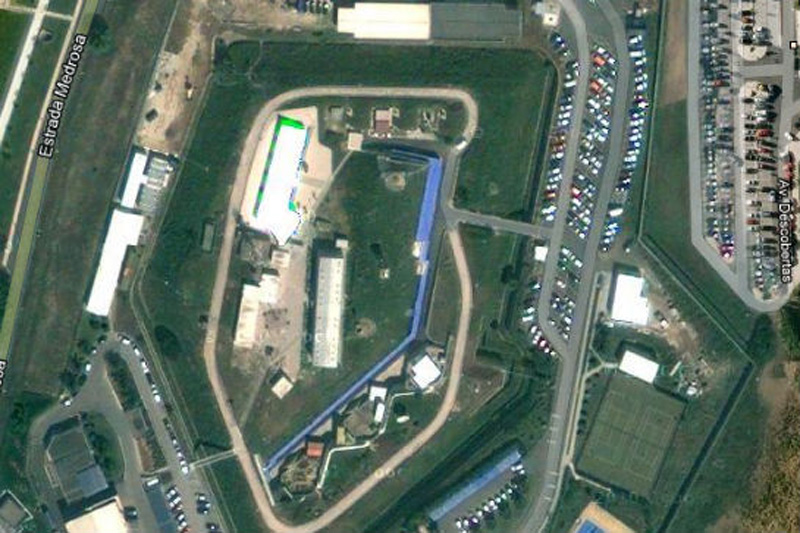

Google Maps 20, 23 beds, which are forbidden to display on Google Maps
20. The NATO headquarters, Portugal
This shot would have been the most fun, if not had such a sinister context. Whoever edited the picture of Portuguese NATO headquarters, he simply copied the other part of the earth surface over the image of the building. Very strange.
กองบัญชาการนาโต  ประเทศโปรตุเกส
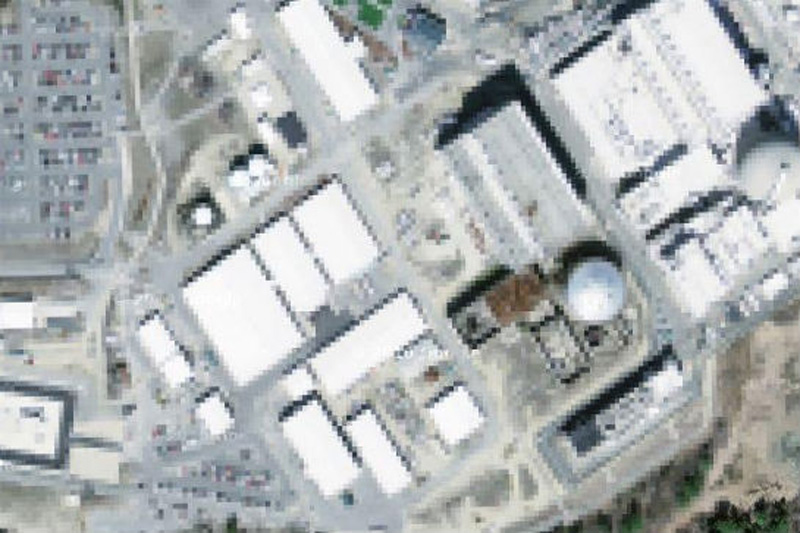

Google Maps 21, 23 beds, which are forbidden to display on Google Maps
21. Seabrook Nuclear Station, New Hampshire
It is believed that in the north-eastern part of the United States is a nuclear power plant in Seabrook.
สภานีนิเคลรียร์นิวแฮมเชอร์  สหรัฐอเมริกา
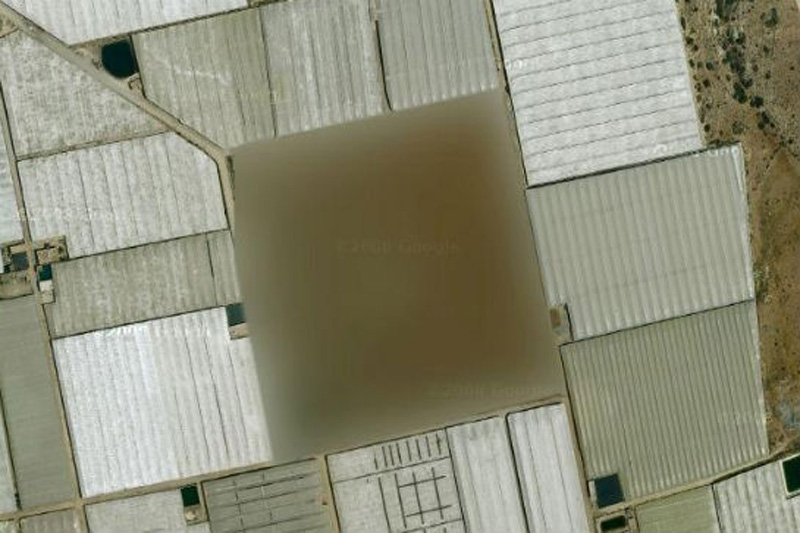

Google Maps 22, 23 beds, which are forbidden to display on Google Maps
22. Missile silo, Spain
According to one researcher, "At this place there is a small structure with something resembling a missile silo in between. What's strange - this zone is not locked in Yahoo! Maps, but its image is not Google Maps ».
ฐานปล่อยขีปนาวุธ  ประเทศสเปน

Google Maps 23, 23 beds, which are forbidden to display on Google Maps
23. Nuclear area, France
We're not quite sure, which means «The Marcoule site of the Commissariat l'Energie Atomique», but we think that the word «atomique» here is the key.
เขตพื้นที่นิวเคลียร์  ประเทศฝรั่งเศส
วันอังคารที่ 27 สิงหาคม พ.ศ. 2556

ซูชิ i-phone

139728 decorate iphones with shushi photos Delicious cases for IPhone
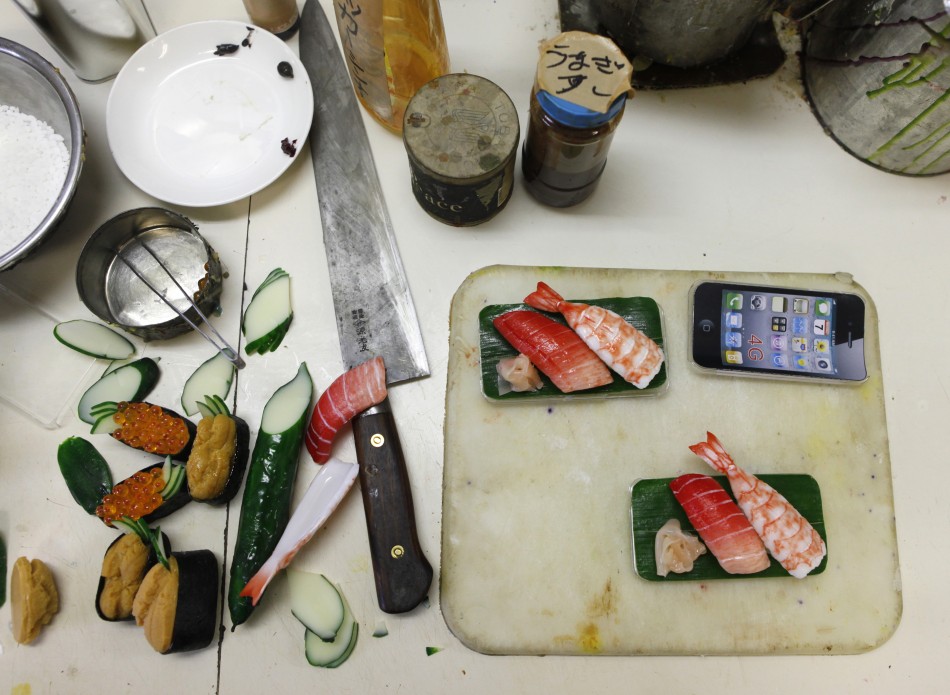
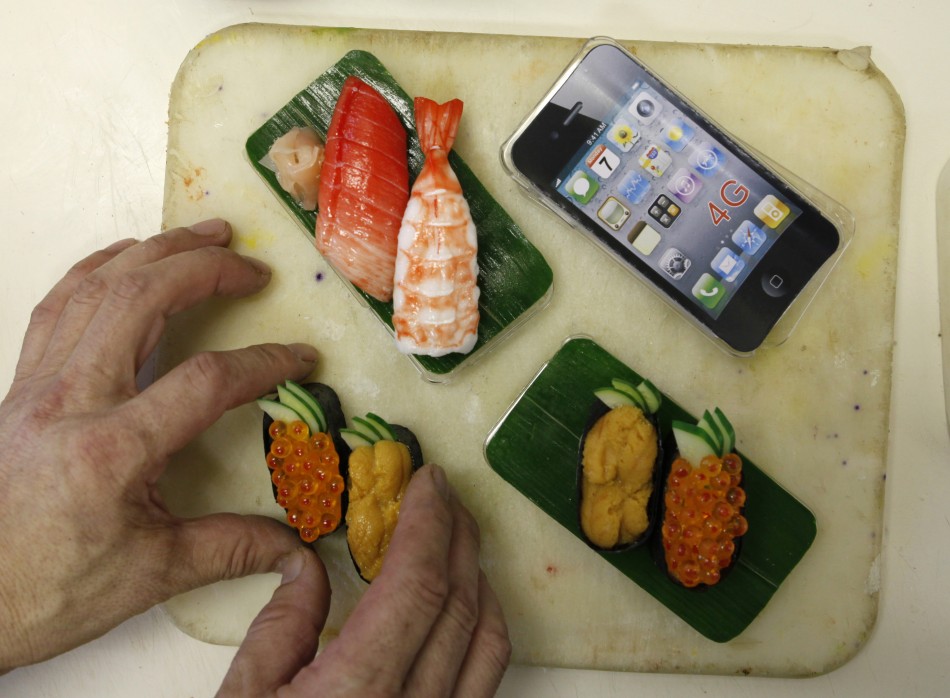
1. Plastic food in Japan - the usual thing. In the ad showcases restaurants in every corner of Japan can be found models of dishes, from the familiar to the Japanese Yakisoba Italian spaghetti. "Boom" dummy food in Japan began with the 20-ies of the last century, and since then the Japanese have come up with more new and unusual ways to use it.

139729 decorate iphones with shushi photos Delicious cases for IPhone
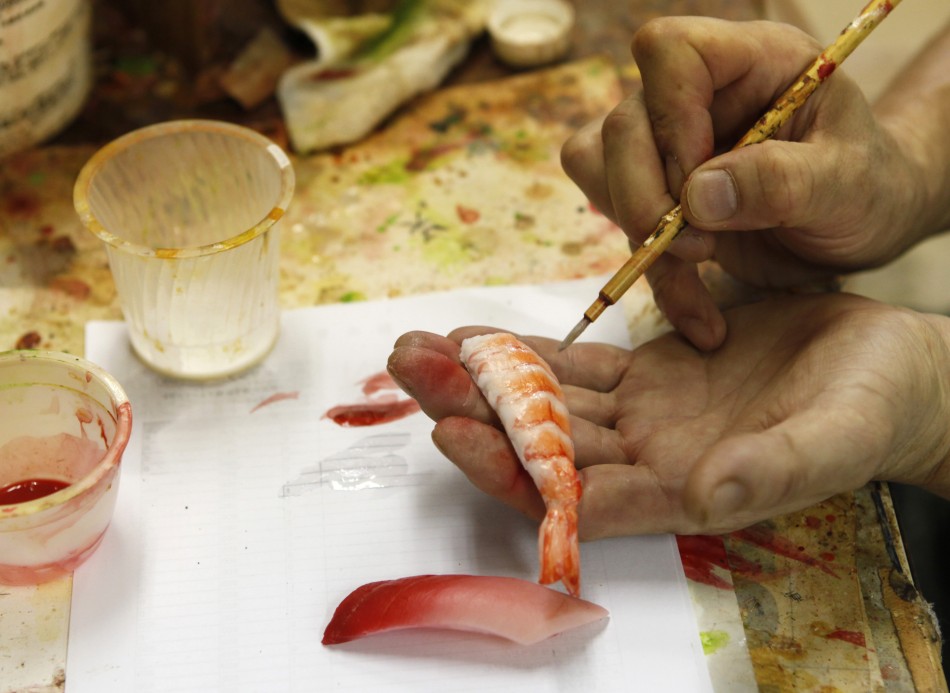
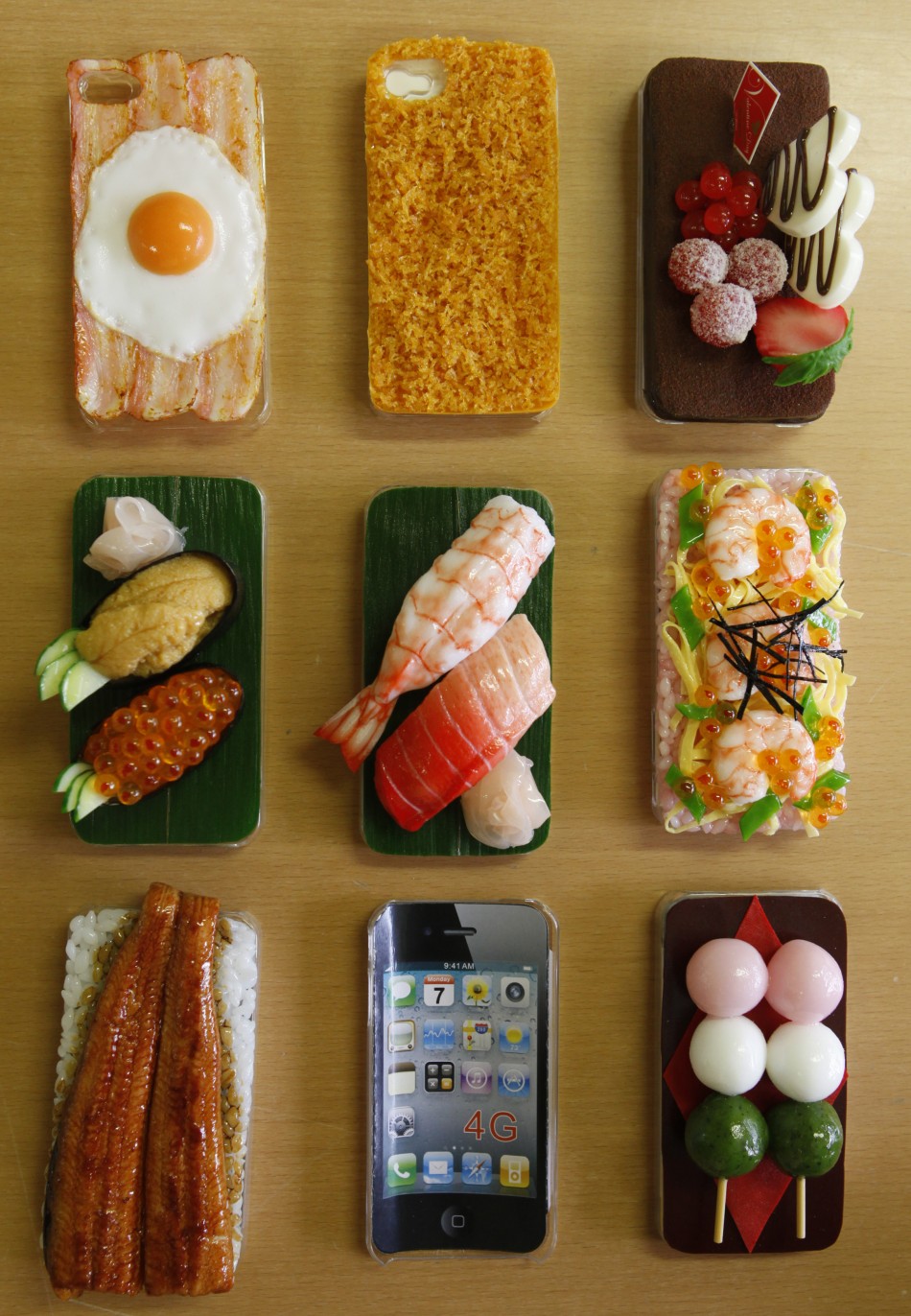
2. At the end of last year, Tokyo-based Suetake Sample in Yokohama has found a rather trivial, the way to use plastic food: they decorated it covers for iPhones.

139730 decorate iphones with shushi photos Delicious cases for IPhone
3. First, the master received a few orders. However, the "telephone food" quickly sparked the appetite of owners of "iPhones".
139731 decorate iphones with shushi photos Delicious cases for IPhone
4. The company last year sold more than 6,000 "tasty" covers. 300 were shipped overseas.
139732 decorate iphones with shushi photos Delicious cases for IPhone
5. Each model is made dishes by hand, so the covers are not cheap. Price ranges from 25 to 50 U.S. dollars.
139733 decorate iphones with shushi photos Delicious cases for IPhone
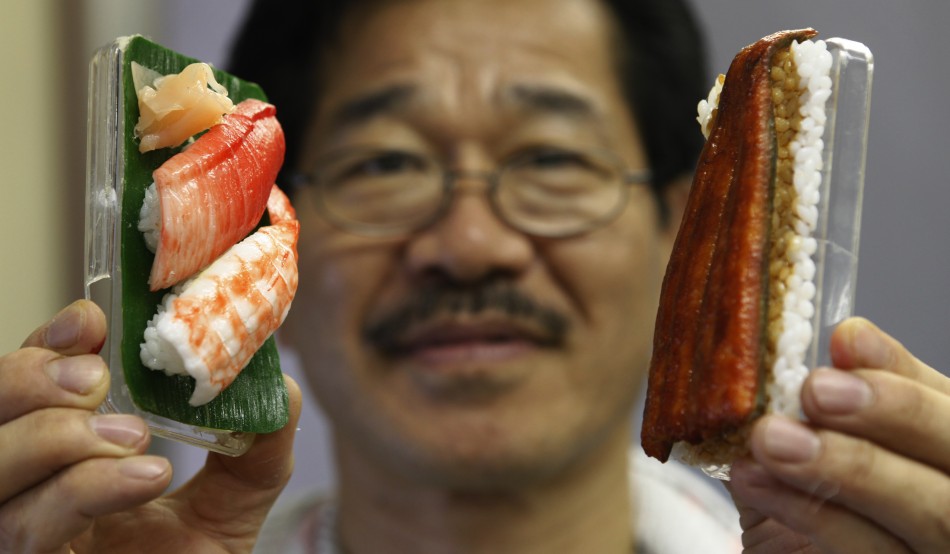
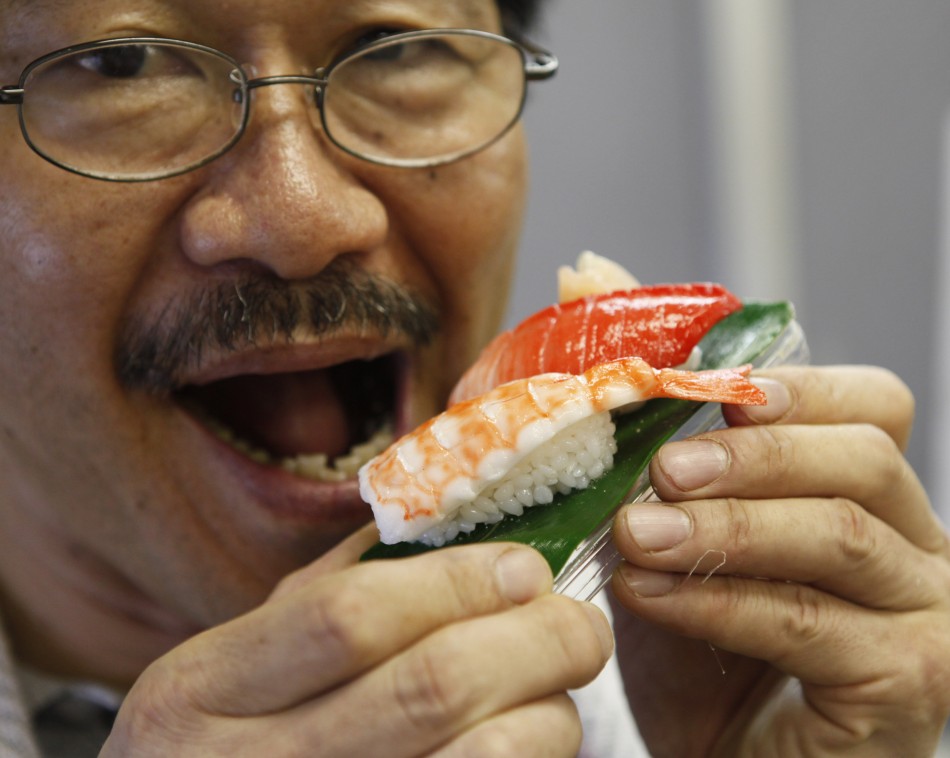
6. Master Noboru Kuvadayra, a specialist in the production of plastic food models in Japan, poses for a photographer with one of his works.
139734 decorate iphones with shushi photos Delicious cases for IPhone
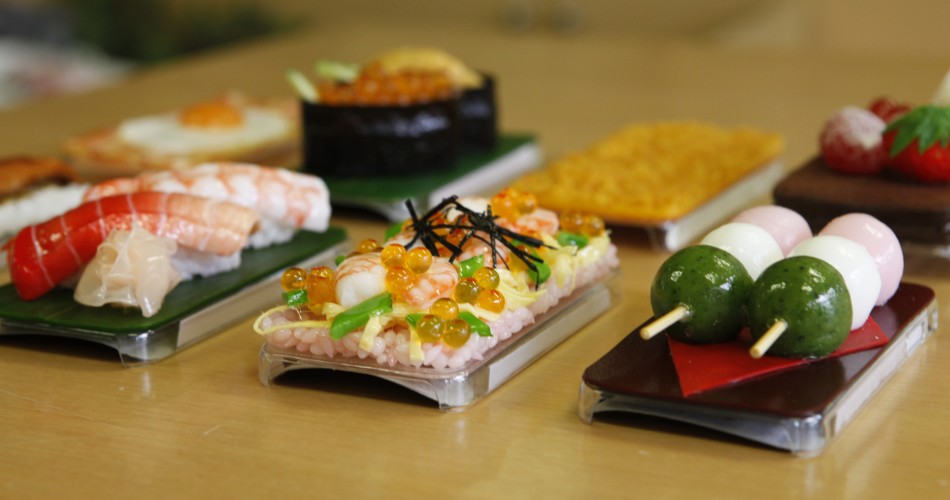
7. Cover from the collection iMeshi looks unusual, but it is made so skillfully that I want to eat it immediately.
139735 decorate iphones with shushi photos Delicious cases for IPhone
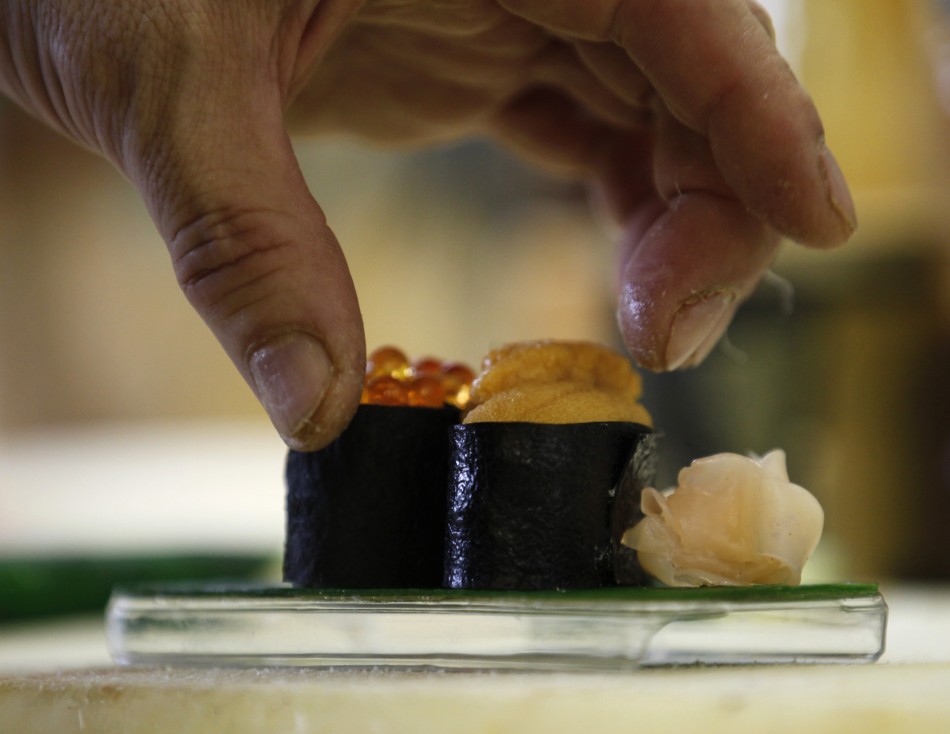
8. Specialists of the company had become virtuosos to put their delicacies in small canisters.

No comments:

วิวัฒนาการของโทรศัพท์มือถือ


The evolution of mobile phones, from Soviet designs to Full HD smartphone future วิวัฒนาการของโทรศัพท์มือถือ


011 990x742 The evolution of mobile phones, from Soviet designs to Full HD smartphone future
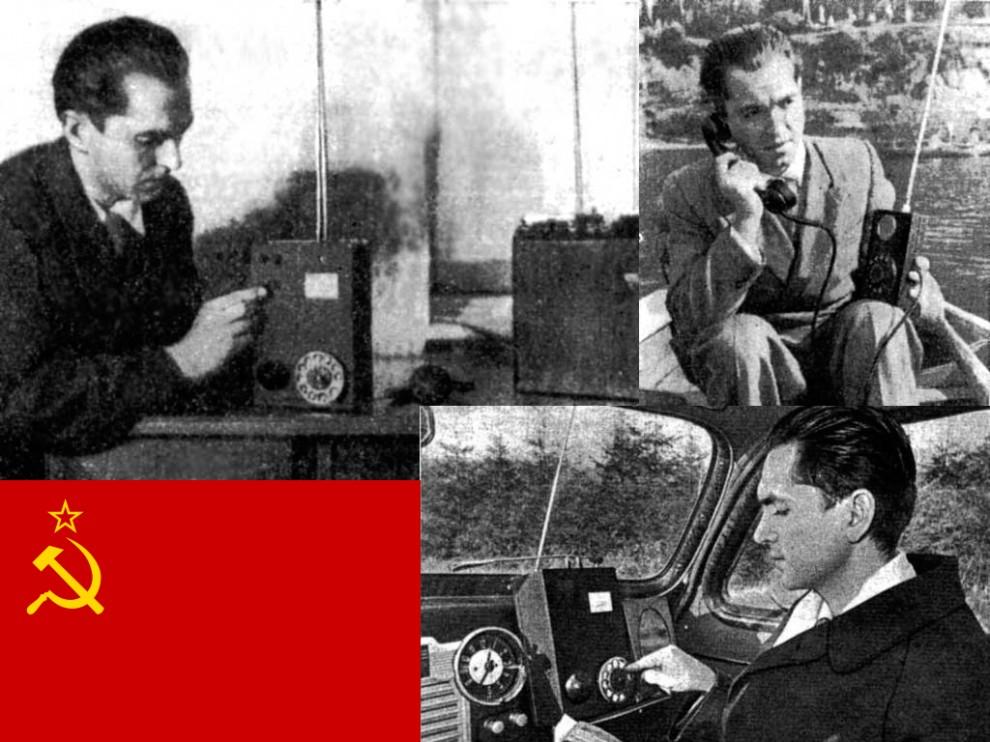
1. 1957. The Soviet scientist L. Kupriyanovich presented his draft mobile phone. The first sample weighed 3 kg, in 1958, the weight was reduced to 0.5 kg, and in 1961 the scientist showed reporters a pocket sample weight of 70 grams, which is located on the palm.
 ในปี พ.ศ. 2500 นักวิทยาศาสตร์สหภาพโซเวียต (ตอนนี้แยกตัวเป็นรัสเซีย ยูเครน เบรารุส คาซักสถาน  และอีก 10 ประเทศ) ชื่อ L. Kupriyanovich  ได้นำเสนอ  แบบร่างของโทรศัพท์มือถือ หนัก 3 กก. อีกปรต่อมาน้ำหนักลดไปเหลือแค่ 0.5 กก.  จนในปี 2518 มีขนาดพกพาได้ หนัก 70 กรัม

021 990x742 The evolution of mobile phones, from Soviet designs to Full HD smartphone future
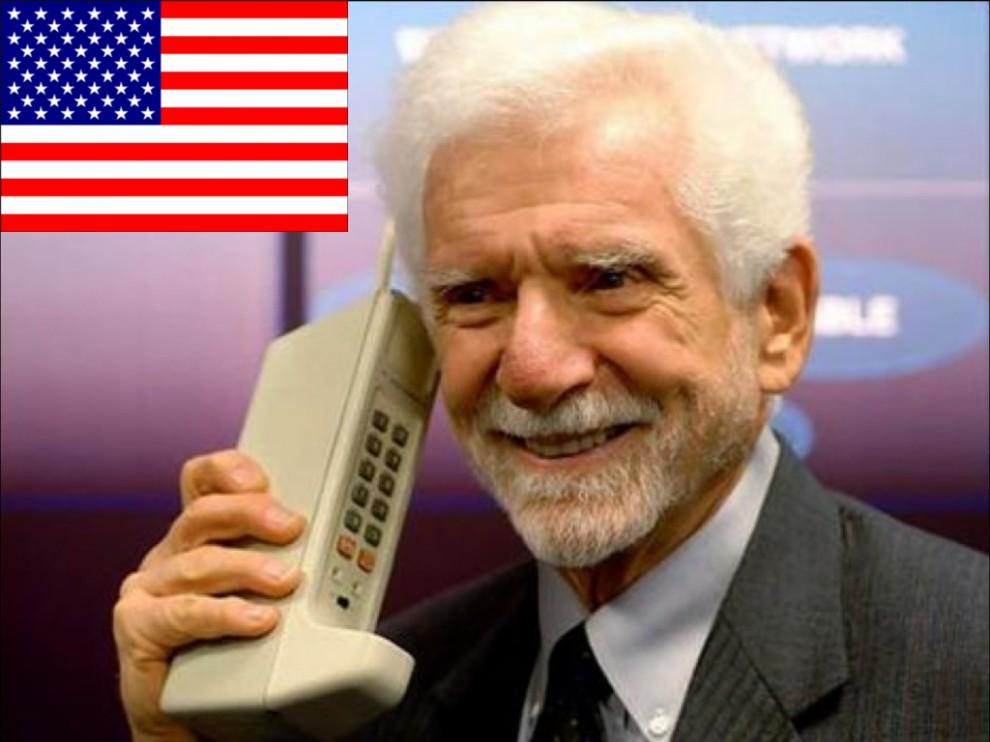
2. 1973. The first call is perfect with the phone Motorola DynaTAC. The developer of the first mobile phone Motorola Martin Cooper called the employee of a competing company AT & T Joel Engel. It is from the era of the Motorola phone provider in the U.S..
 ในปี 2516  โทรศัพท์เคลื่อนที่ของ Motorola อเมริกา ก็สามารถใช้การได้

031 990x742 The evolution of mobile phones, from Soviet designs to Full HD smartphone future
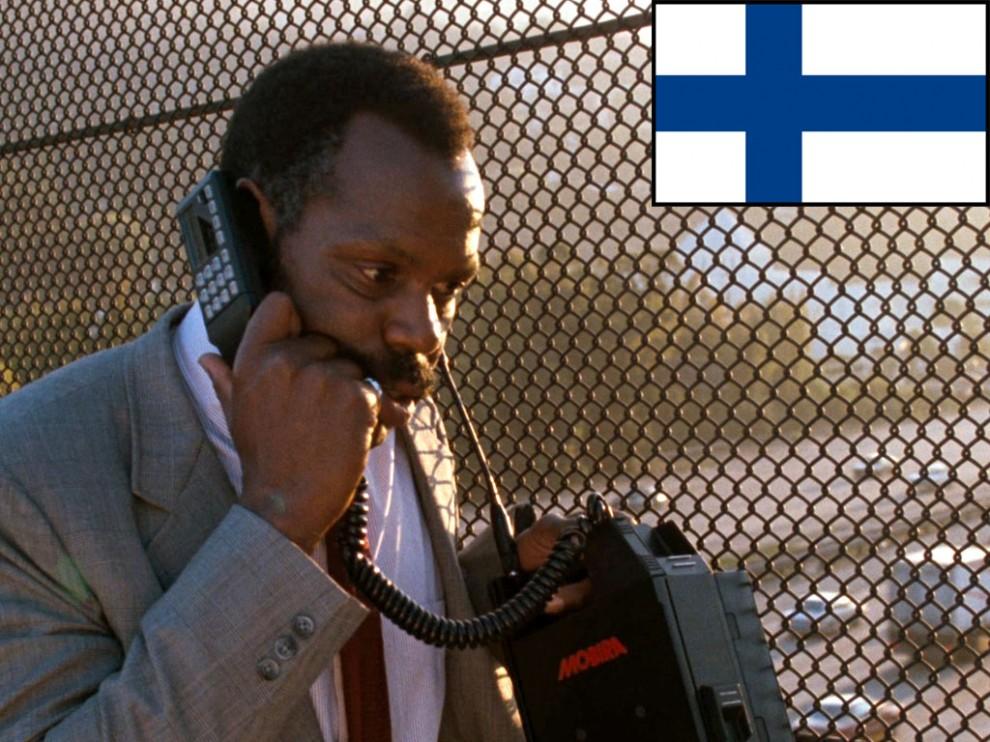
3. 1984. It turns out the first mobile phone of Nokia. Mobira Talkman weighs 4.7 kg. After 6 years, the cell phone has become one of the first available in Russia (in 1990 he, along with the connection to the first mobile operator to "Delta Telecom" was worth about $ 4000). Begins the era of Nokia.
พ.ศ.2528 ของ Nokia แห่งฟินแลนด์


041 990x656 The evolution of mobile phones, from Soviet designs to Full HD smartphone future
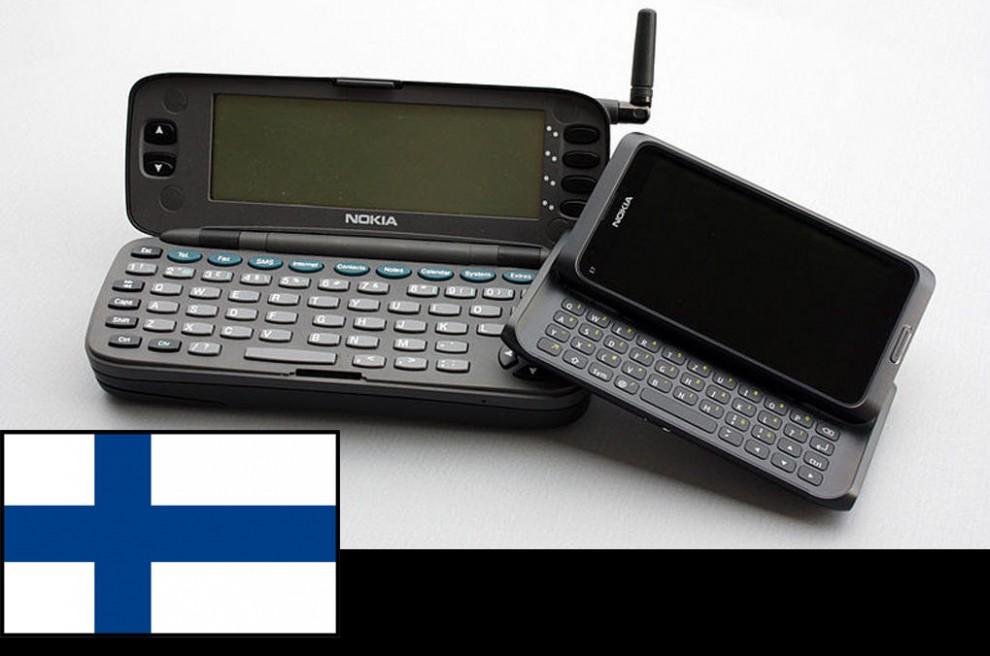
4. 1996. The world's first smartphone, Nokia 9000. QWERTY-keyboard, large screen, retractable antenna - anything you can dream of in 1996, the year.
 พ.ศ.2539 โทรศัพท์โนเกีย จอใหญ่ แป้นพิมพ์มาตรฐาน QWERTY

051 990x742 The evolution of mobile phones, from Soviet designs to Full HD smartphone future
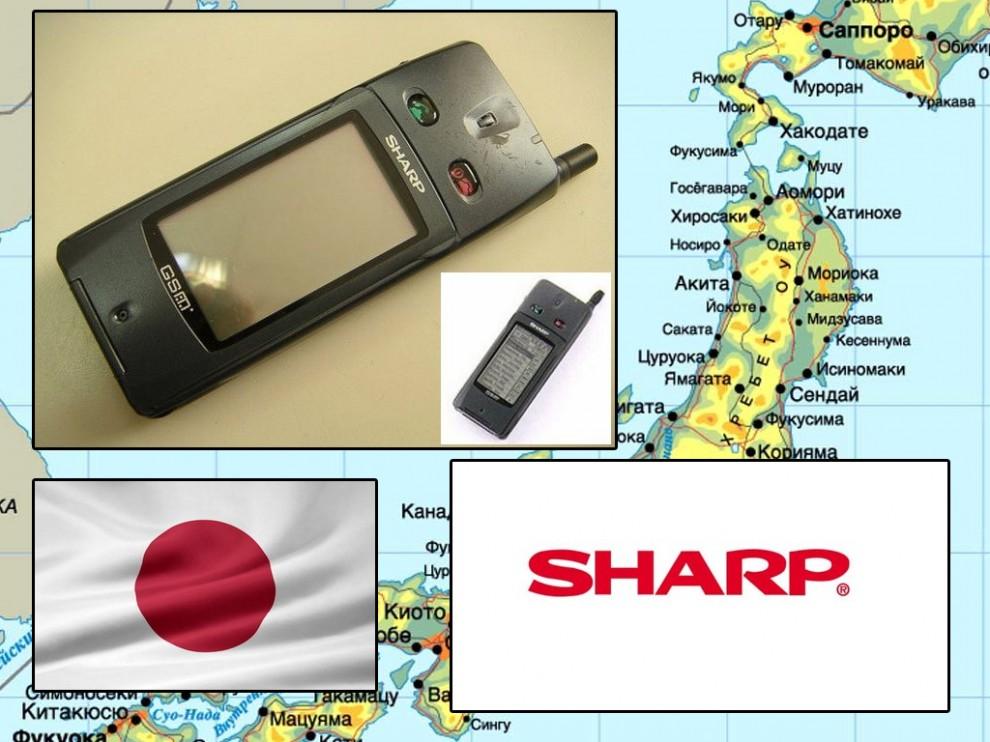
5. 2000. The first touchscreen phone, Sharp RSM-1. In Japan, the explosive demand for mobile phones, the penetration of technology it was already close to 80%. Now cell phones are armed with about 99% of Japanese people. Gradually Japanese cell phone makers are beginning to crowd of competitors in the global market.
 พ.ศ.2543 โทรศัพท์แบบจอสัมผัสเครื่องแรก ยี่ห้อชาร์ป ของประเทศญี่ปุ่น

061 990x656 The evolution of mobile phones, from Soviet designs to Full HD smartphone future
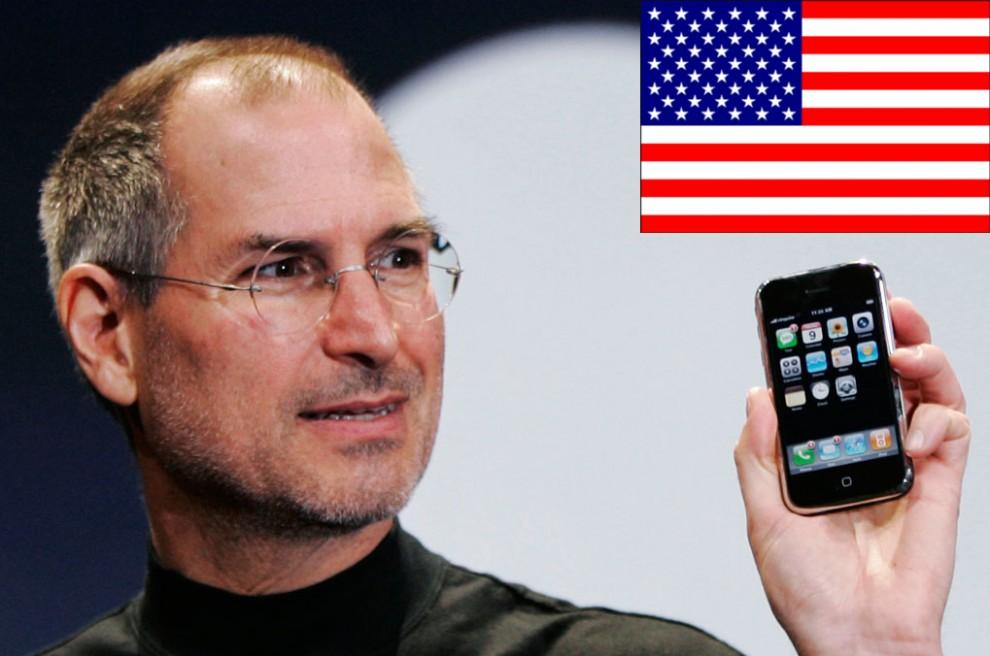
6. 2007. Still alive and young Steve Jobs shows the world the first iPhone. Now looking "weak" even against the background of the cheapest android-Chinese backgrounds then became a real breakthrough. Manufacturers around the world are taking up pencils and patterns.
สตีฟ จอบส์ แห่งบริษัท Apple โชว์ให้เห็นถึงนวัตกรรมของบริษัทของเขา iPhone

071 990x656 The evolution of mobile phones, from Soviet designs to Full HD smartphone future
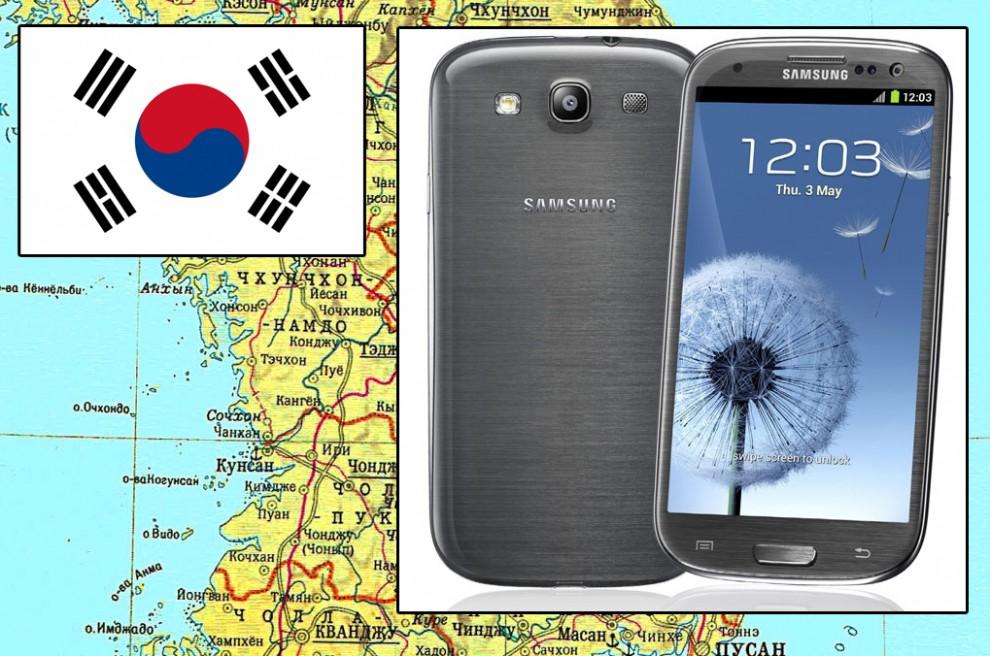
7. 2012. Samsung passes Apple in the summer of Sales: sold about 50 million smartphones. Part of the reason for that was the release of a successful flagship Galaxy SIII. Home sales of the fifth iPhone is scheduled only for September. "Patent War" - protracted litigation between the two leaders of the global smartphone market - is in full swing.
ในปี 2555 Samsung แห่งเกาหลี ก็แซงหน้ายอดขายของบริษัท Apple แห่งอเมริกาได้สำเร็จ

081 990x777 The evolution of mobile phones, from Soviet designs to Full HD smartphone future
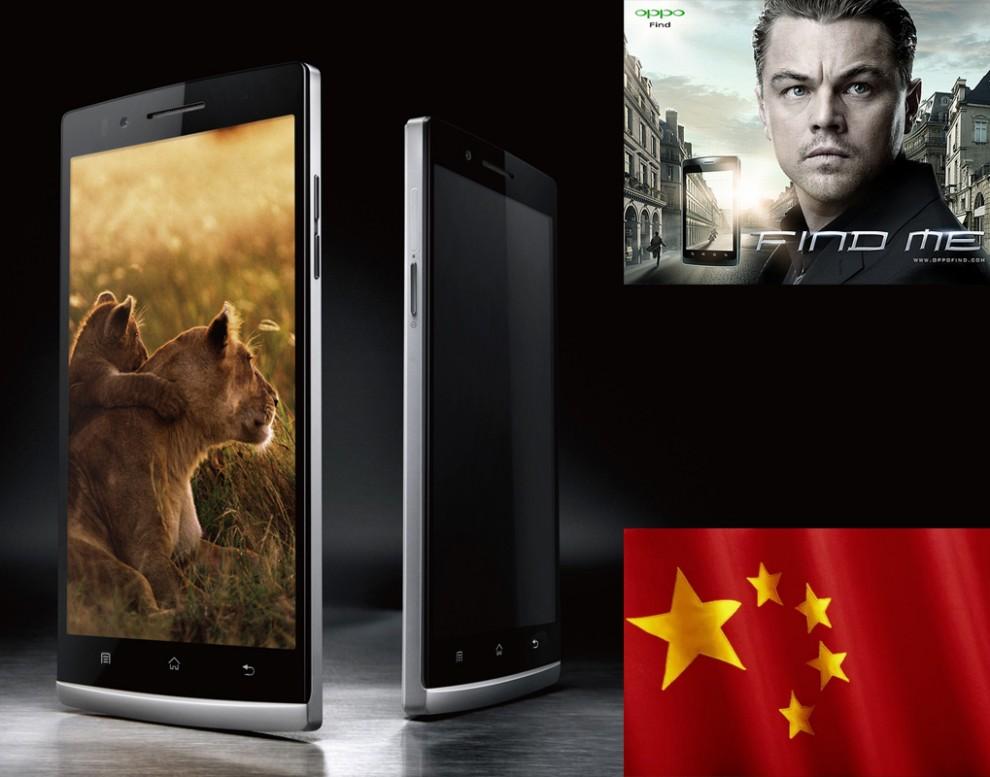
8. 2013. Simply create a high-tech gadget to the success in the world market is small. Almost every modern smartphone manufacturer introduced a model with a Full HD display. Quad-core processor, high-quality sound, excellent camera with high resolution, nobody will be surprised. Sony Xperia Z, HTC One, Samsung Galaxy S4 - all the big news of the last year is technically almost identical.


วันอาทิตย์ที่ 28 กรกฎาคม พ.ศ. 2556

Google X


10 projects on the future of Google

Google สุดยอดโครงการในอนาคตของกูเกิล


               As you know, Google - is not only a search engine: The company is a world leader in the creation of gadgets, internet services, and more. The most curious development team is engaged in a secret Google X, and among their projects -  here are 10 ideas that the Internet giant seeks to bring to life.

googlefuture01 10 проектов будущего от Google
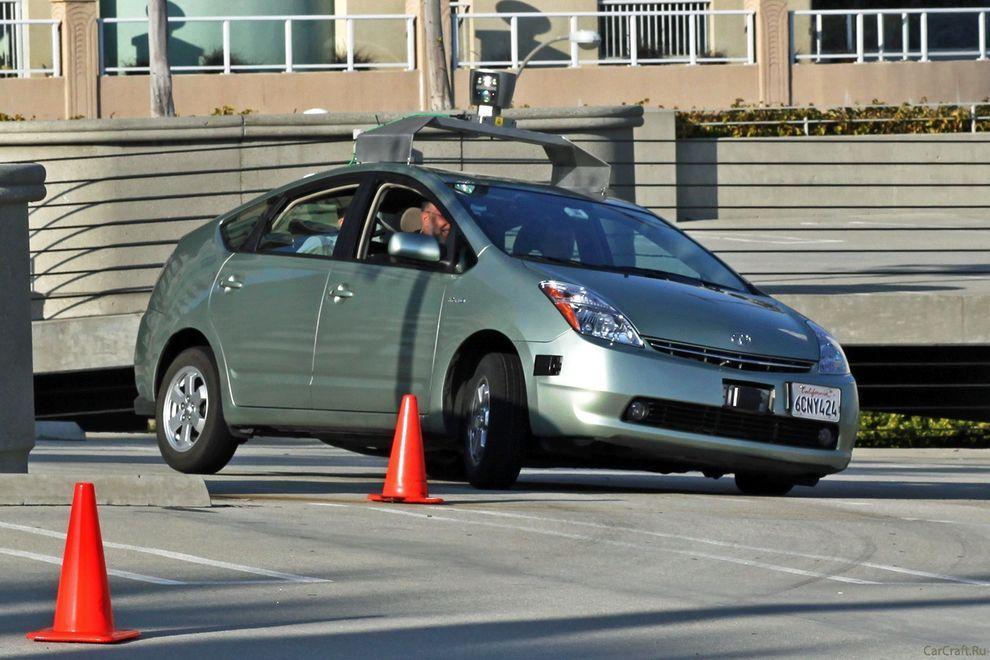
1. Car without a driver will make road traffic safer
Experts of Google X for several years working on the project Driverless Car Program.
Negotiations are underway with the authorities for permission to test the self-governing vehicles on public roads - as long as this agreement only states of California and Nevada.
A fleet of ten vehicles with test systems allow run over more than 480 thousand km (as of August of 2012), and of course, tests are continuing. However, it is unclear when such a system will be commercially available.

googlefuture02 10 проектов будущего от Google
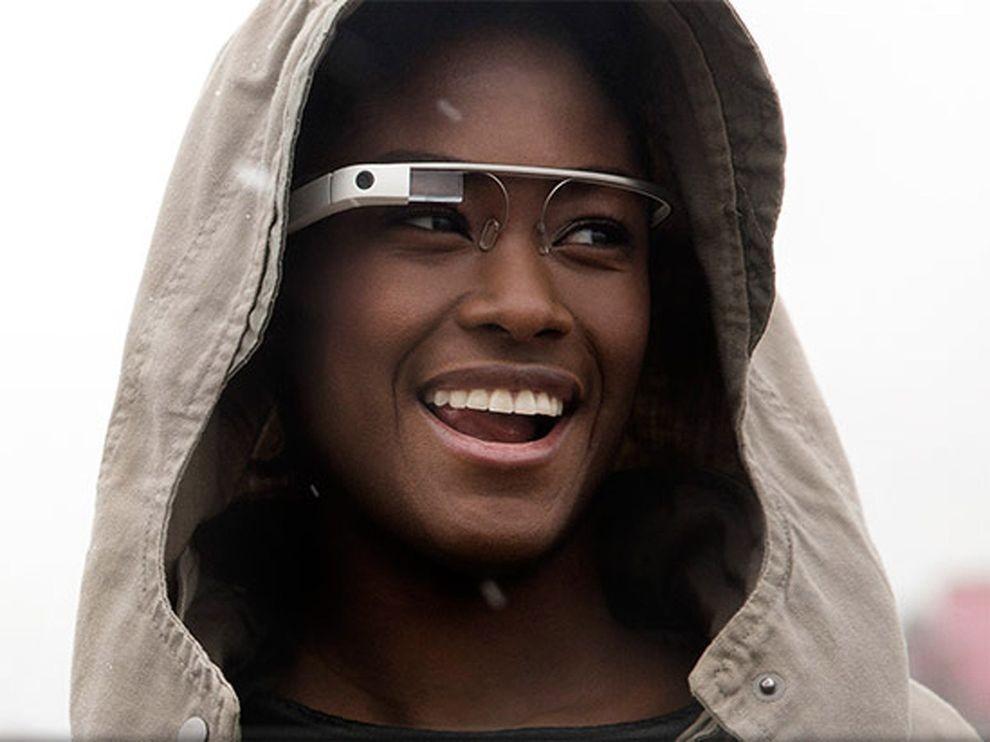
2. Google Glass will change the way you think about gadgets
Having put on those glasses, you can forget about the screens of smartphones and computers - the right information will always be available in only one eye movements.
One way to look up - and before you calendar, email, social networks, weather, in general, everything that you want.
Google Glass makes a revolutionary technology available to a wide range of people so far only a few lucky people, mostly developers and journalists were able to get a working prototype of points, but the consumers opportunity arises next year.

googlefuture03 10 проектов будущего от Google
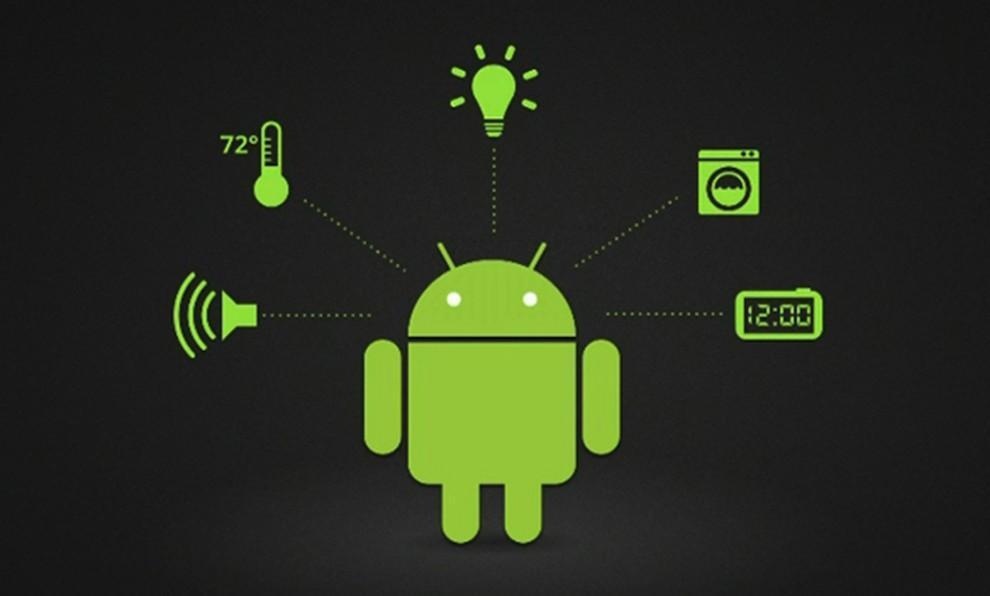
3. "Smart House" according to Google
The technology, called Android @ Home, will fully automate all of the life support system by connecting to the Internet, for example, while you are not home, a refrigerator will be able to order the necessary products itself, and coffee maker to make coffee exactly to your arrival.
Android @ Home will connect all electrical appliances.

googlefuture04 10 проектов будущего от Google
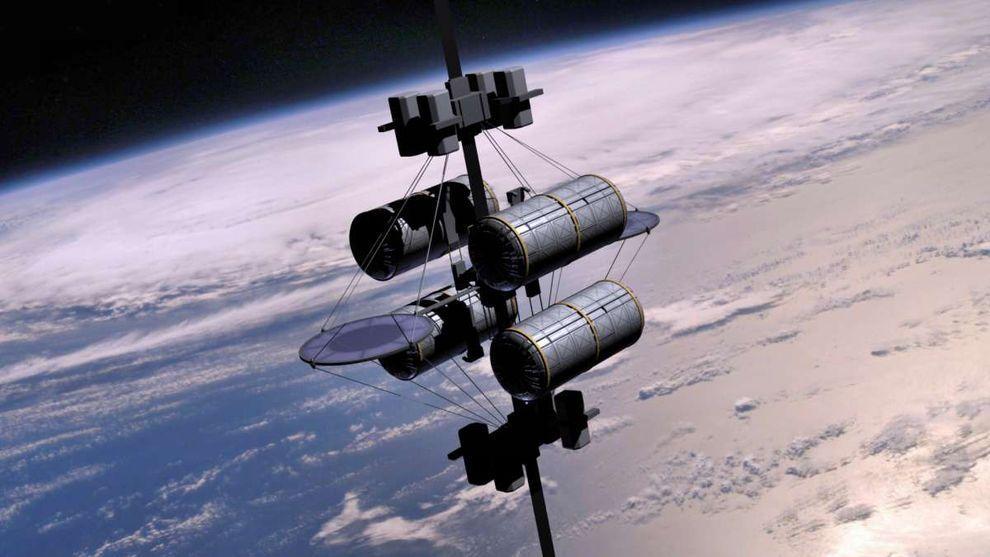
4. Space elevator
According to published in the journal «Time» information Google X team in 2011, the year included the idea of ​​a "space elevator" in the so-called list of "What if ...". I must say, the very concept of this method of delivery to the orbit of people and goods put forward by K. Tsiolkovsky in 1895, the year.
Do not wait for Google's early implementation of this idea - the development of "lift into orbit," presents many technical challenges, and all the more likely to say that to implement this idea in life is impossible. However, it's probably Google thus "cover their tracks" to save the process of developing a secret.

 
googlefuture05 10 проектов будущего от Google
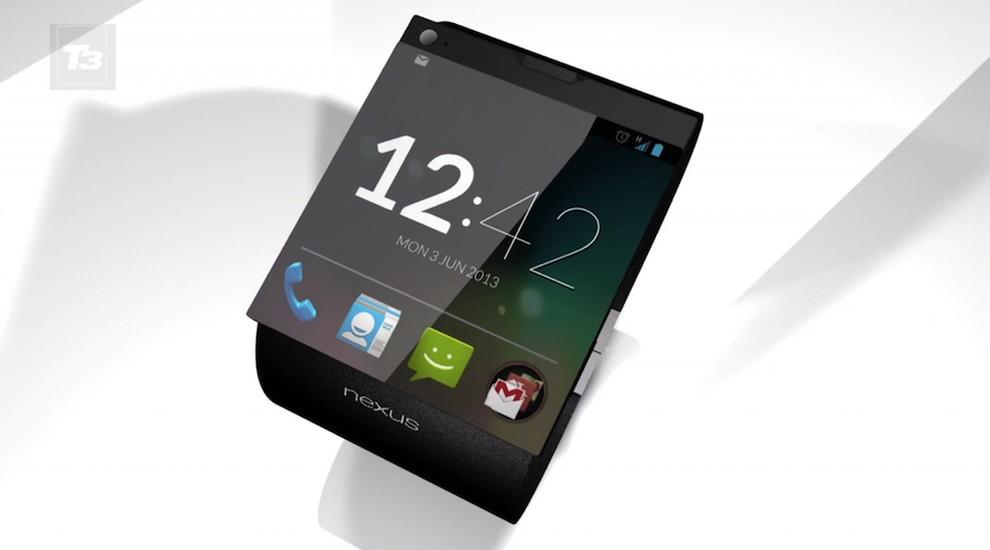
5. Watch a smartphone based on Android
Recently, it was reported that Google is preparing a direct competitor iWatch from Apple - a watch, combined with the smartphone: of course, watches SmartWatch smartphone from Google will use the operating system Android.
This latest «must have»-new to the gadget lovers will be available early next year.


googlefuture06 10 проектов будущего от Google
6. Google will take care of your health
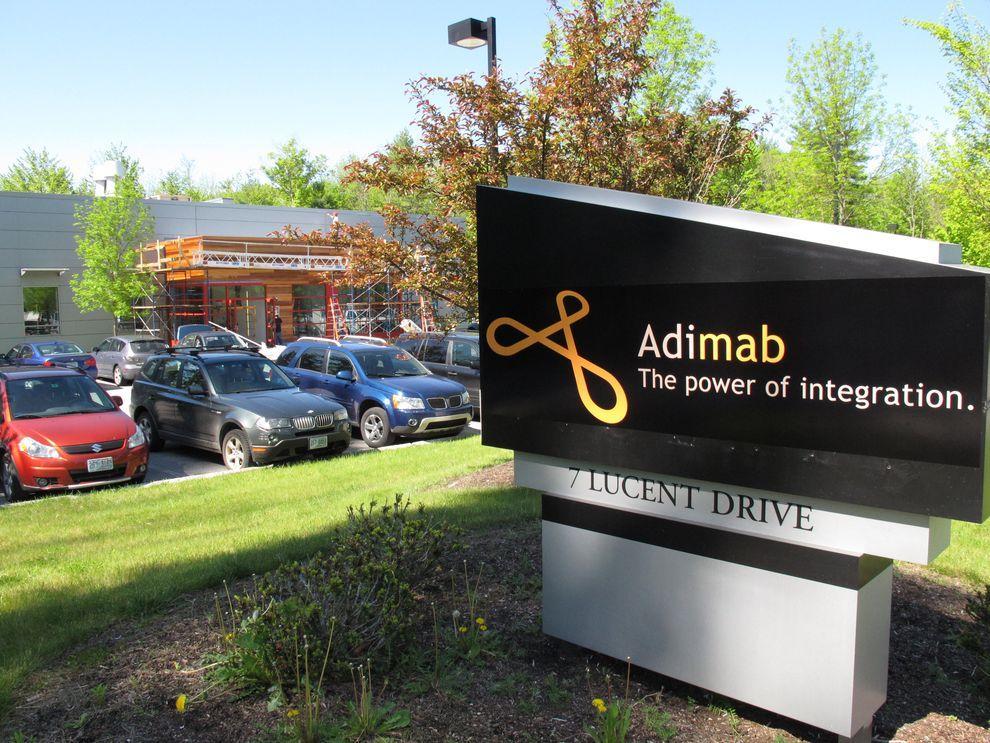
The Internet giant has a stake in the company Adimab, engaged in the development of diagnostics and treatment of various diseases, which would bring a variety of technologies and methods to combat diseases. The revolutionary idea is the invention of miniature sensors involved in the search and optimization of antibodies produced by the body - to start treatment only need to swallow such a sensor.
Another development in the field of Google Health is a subsidiary of iPierian, creating the technology of "cellular reprogramming» (cellular reprogramming), which will fight the disease by modifying cells.


googlefuture07 10 проектов будущего от Google
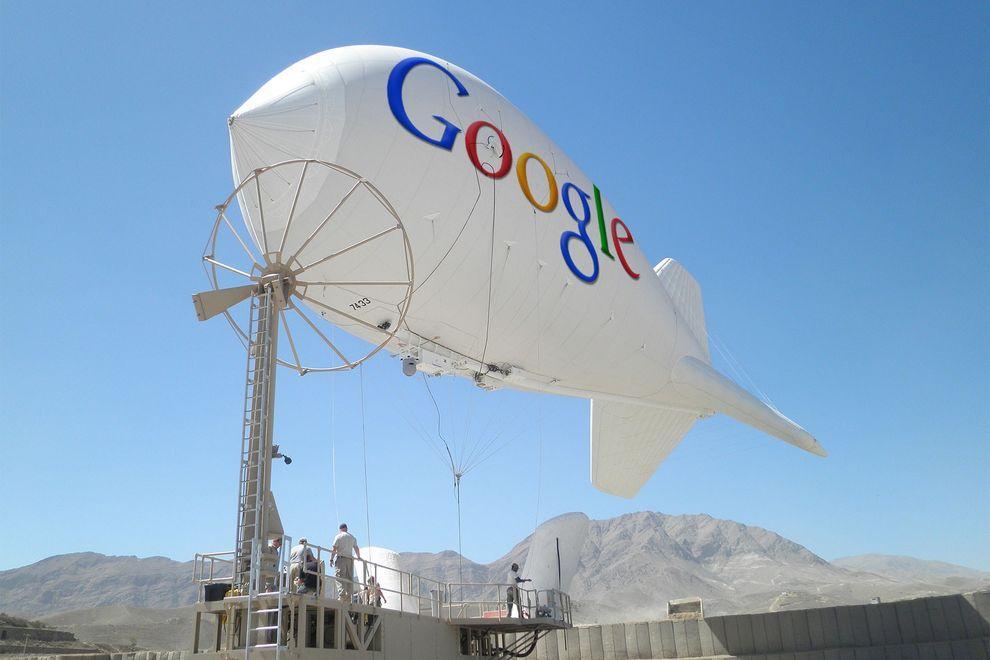
7. Internet airships cover the entire planet wireless
Google's ambitions as a provider of Internet reached all-time highs - the company is developing airships that will provide wireless connectivity the entire planet, including remote regions in Africa and other parts of the Earth.
If the project is realized, the "world wide web" will get about another 1 billion people - mostly residents of the "third world."
 

googlefuture08 10 проектов будущего от Google
8. Game console based on Android
The popularity of the Android platform is growing all over the world, and Google is seeking to use its potential to the maximum.
«Wall Street Journal» spoke about the development of the gaming console from Google, which is designed to be a "killer" similar technology "Yabloko» - Apple TV: game console from Google allows you to run any Android-games directly on your home television.


googlefuture09 10 проектов будущего от Google
9. The way Google determines the development of smart phones Motorola
Buy Google of Motorola Mobility (transaction was $ 12.5 billion) to become the owner of the first allowed 24.5 thousand patents and designs.
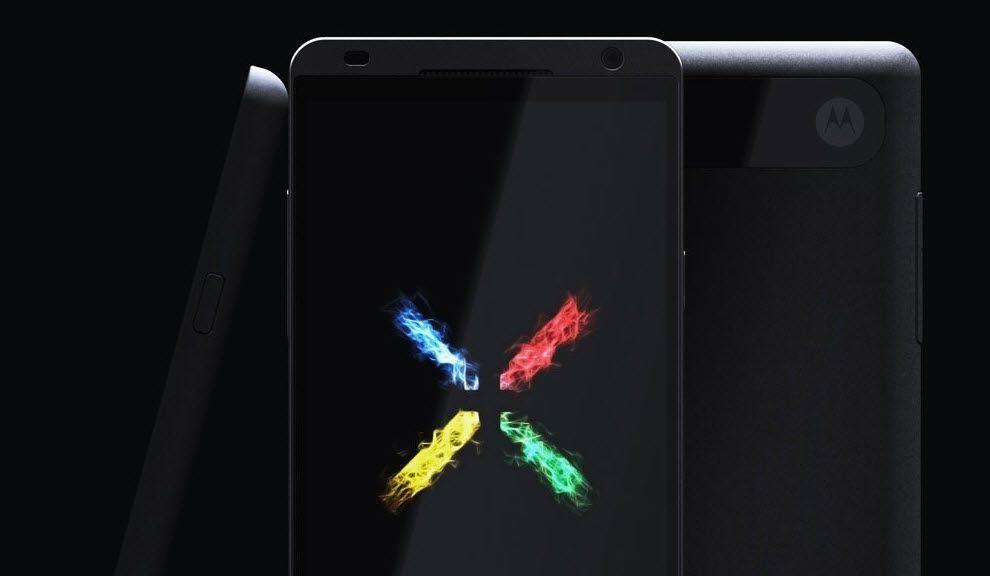
Under the wing of the Internet giant will release a smartphone Motorola Moto X based on Android, which has all the modern features and characteristics, as well as, of course, a number of trendy "chips", which has no rivals - release date already quite close.

 
googlefuture10 10 проектов будущего от Google
10. Eco-friendly sources of energy
The company Makani Power - developer of advanced technologies in the use of wind and solar energy: Google previously invested in the company a lot of money, and recently acquired in its entirety and included in the project, which deals with Google X.
The best-known development Makani Power - wind turbines, hovering at an altitude of almost 300 m to 650 m-minute and allow to generate electricity out of thin air.


วันอังคารที่ 23 กรกฎาคม พ.ศ. 2556

Pizza Order Application


Exercise 2

Pizza Order Application

 We had just learned about programming with Microsoft Visual Basic 6.0 and tried to create two Windows applications (using Visual Basic 6.0), the first one was "Stop Watch" and the second was "Calendar/Time".  Some people have told me, the teacher, that it is interesting and challenging, while some other people have never said any word but have just thought that it is boring. Yes, the teacher realizes that programming is so valuable because it can develop anyone both systematic thinking and solving. Well, the teacher knows  that anybody can never hand on it if he is not interested in programming. But, now the teaching is not over, the show must go on! 
วกเราได้เรียนรู้เกี่ยวกับการโปรแกรมด้วยภาษาวิชวลเบสิก 6.0  และได้ลองพัฒนาแอ็ปปลิเคชันที่ทำงานในระบบวินโดวส์ 2 แอ็ป ด้วยกัน  โดยแอ็ปแรกเป็นนาฬิกาจับเวลา แอ็ปที่สองเป็นแอ็ปบอกวันเวลา  นักเรียนหลายคนก็บอกกับครูว่า "น่าสนใจและท้าทายมาก"  ขณะที่นักเรียนอีกหลายคนไม่พูดอะไรสักแอ่ะ...คิดอยู่อย่างเดียวว่า "มันน่าเบื่อ"   ใช่เลย..ครูตระหนักดีอยู่เสมอว่า ความจริงแล้วนะ.. การเรียนรู้เรื่องการโปรแกรมมันมีคุณค่าในตัวของมันเองอยู่แล้ว  เพราะมันเป็นการพัฒนาผู้เรียนให้รู้จักการคิด/การแก้ปัญหาอย่างเป็นระบบ  ครู..ทราบดีว่า.. นักเรียนคนไหนก็ตามที่รู้สึกว่าตนเองไม่สนใจในเรื่องของการโปรแกรมแล้วละก็ คงยากนะที่จะเอาดีในเรื่องนี้ได้ ... แต่ช้าก่อน... การเรียนการสอนก็คงหยุดไม่ได้ ... ก็ต้องว่ากันต่อไป..


  "Pizza Order" Application
แอ็ปปลิเคชัน "สั่งพิซซ่า"

     SOURCE  :   www.kidwares.com

1. Start a new project.  We'll build a form where a pizza order can be entered by simply clicking on check boxes and option buttons.
ให้นักเรียนเข้าไปที่หน้าจอหลักของ Microsoft Visual Basic 6.0 เหมือนที่เราเคยทำ ด้วยการเลือก Standard EXE เพื่อสร้าง New project .... อย่าลืม Save นะ  ซึ่งการ Save ครั้งแรก จะเป็น Save As โดยนักเรียนต้อง Save ฟอร์มก่อน แล้วจึง save โปรเจ็กต์ ... เลือก Folder ให้เรียบร้อย  (เรื่องนี้ นักเรียนถูกย้ำมาจนเป็นทักษะดีอยู่แล้วจากครูผู้สอน)  ตอนนี้เรากำลังจะสร้างแอ็ปสั่งพิซซ่า  โดยผู้ใช้ก็แค่ทำการคลิกเลือกตัวเลือก และติ๊กรายการต่างๆ แล้วสั่งการผ่านปุ่มคำสั่ง..

2. Draw three frames.  In the first, draw three option buttons, in the second, draw two option buttons, and in the third, draw six check boxes.  Draw two option buttons on the form.  Add two command buttons.  Make things look something like this.
ให้นักเรียนวาดเฟรม (frame) 3 เฟรม  แล้ววาดปุ่มอ็อปชัน (option button) ใส่ไว้ในเฟรมแรก 3 ปุ่ม  ส่วนเฟรมที่สองวาดปุ่มอ็อปชันใส่ไว้ 2 ปุ่ม  ส่วนเฟรมที่สามวาด check box ใส่ไว้ 6 ช่อง ด้วยกัน  แล้ววาดปุ่มอ็อปชันอีกสองปุ่มใส่ไว้ในฟอร์ม (ดูโซน 4 ประกอบ)  และวาด command button (ปุ่มคำสั่ง) สองปุ่ม (ไว้ในโซน 5)

Fig.1  The Form which is being designed by us.
นี่เป็นฟอร์มที่กำลังได้รับการออกแบบจากนักเรียน


3. Set the properties of the form and each control.
หลังจากออกแบบเสร็จแล้ว ต่อไปนักเรียนต้อง set the properties (ตั้งค่าคุณสมบัติ) ของฟอร์ม และคอนโทรล (control )แต่ละตัว  ดังนี้


  • Form1:
    BorderStyle    1-Fixed Single
    Caption          Pizza Order
    Name            frmPizza
  • Frame1:
    Caption    Size

  • Frame2:
    Caption    Crust Type

  • Frame3
    Caption    Toppings


  • Option1:
    Caption    Small
    Name      optSize
    Value      True

  • Option2:
    Caption    Medium
    Name      optSize (yes, create a control array)

  • Option3:
    Caption    Large
    Name      optSize

  • Option4:
    Caption    Thin Crust
    Name       optCrust
    Value       True

  • Option5:
    Caption    Thick Crust
    Name       optCrust (yes, create a control array)

  • Option6:
    Caption    Eat In
    Name    optWhere
    Value    True

  • Option7:
    Caption    Take Out
    Name       optWhere (yes, create a control array)

  • Check1:
    Caption    Extra Cheese
    Name      chkTop

  • Check2:
    Caption    Mushrooms
    Name       chkTop (yes, create a control array)

  • Check3:
    Caption    Black Olives
    Name       chkTop


  • Check4:
    Caption    Onions
    Name      chkTop

  • Check5:
    Caption    Green Peppers
    Name      chkTop

  • Check6:
    Caption    Tomatoes
    Name      chkTop

  • Command1:
    Caption    &Build Pizza
    Name      cmdBuild

  • Command2:
    Caption    E&xit
    Name      cmdExit


4. Declare the following variables in the general declarations area:
ให้นักเรียนเลือก View/Code   แล้วพิมพ์ Source codes ในส่วนของ  general declarations (ส่วนประกาศทั่วไป)     เพื่อประกาศตัวแปร (to declare the variables) 3 ตัว เป็นตัวแปรชนิด String (เก็บข้อมูลที่เป็นข้อความ)  ได้แก่  PizzaSize (เก็บข้อมูลขนาดของพิซซ่าที่ลูกค้าสั่ง),  PizzaCrust (เก็บข้อมูลว่า ลูกค้าสั่งพิซซ่าที่มีขอบบางหรือหนา),   PizzaWhere (เก็บข้อมูลว่า พิซซ่าที่ลูกค้าสั่งนั้น จะกินที่ร้าน หรือแพ็กห่อ)

    Option Explicit
      Dim PizzaSize As String
      Dim PizzaCrust As String
      Dim PizzaWhere As String


5. Attach this code to the Form_Load procedure.  This initializes the pizza size, crust, and eating location.
ให้นักเรียนผูกโค้ด (attach code) เข้ากับฟอร์ม  (โดยการทำดับเบิลคลิกที่ฟอร์ม  ก็จะเข้าสู่โมดูล หรือโพรซิเยอร์ (procedure) ที่ชื่อ Form_Load แล้วนักเรียนก็ใส่โค้ดเข้าไป  บรรดาโค้ดตรงนี้ จะเป็นการกำหนดค่าเริ่มต้น (initialization) ให้กับตัวแปรทั้งสามตัว ที่เราประกาศไว้ คือ PizzaSize, PizzaCrust และ PizzaWhere

Private Sub Form_Load()
  PizzaSize = "Small"
  PizzaCrust = "Thin Crust"
  PizzaWhere = "Eat In"
End Sub


6.  Attach this code to the three option button array Click events.  Note the use of the Index variable:
ให้นักเรียน attach code เข้ากับปุ่มอ็อปชันในแต่ละเฟรม (โดยดับเบิลคลิกที่ปุ่มอ็อปชันใดๆ ในเฟรมนั้น แล้วใส่โค้ด)


Private Sub optSize_Click(Index As Integer)
[ดับเบิลคลิกที่ปุ่ม optSize (ใดก็ได้ในสามปุ่ม ของโซน 1) แล้วใส่โค้ดข้างล่างนี้เข้าไป ]
  PizzaSize = optSize(Index).Caption
  (โค้ดนี้ จะให้อ่านค่า จำนวนเต็ม 0, 1 หรือ 2 ซึ่งแทนขนาดเล็ก กลาง ใหญ่  ของขนาดถาดพิซซ่า เอาค่าไปเก็บไว้ในตัวแปร PizzaSize)
End Sub

Private Sub optCrust_Click(Index As Integer)
[ดับเบิลคลิกที่ปุ่ม optCrust (ใดก็ได้ในสองปุ่ม ของโซน 2) แล้วใส่โค้ดข้างล่างนี้เข้าไป ] 
  PizzaCrust = optCrust(Index).Caption
  (โค้ดนี้ จะให้อ่านค่า จำนวนเต็ม 0 หรือ 1 ซึ่งแทนขอบพิซซ่า อย่างบาง หรืออย่างหนา  เอาค่าไปเก็บไว้ในตัวแปร PizzaCrust)
End Sub

Private Sub optWhere_Click(Index As Integer)
[ดับเบิลคลิกที่ปุ่ม optWhere (ใดก็ได้ในสองปุ่ม ของโซน 4) แล้วใส่โค้ดข้างล่างนี้เข้าไป ] 
   PizzaWhere = optWhere(Index).Caption
    (โค้ดนี้ จะให้อ่านค่า จำนวนเต็ม 0 หรือ 1 ซึ่งแทนว่าจะกินพิซซ่าที่ไหน กินที่ร้าน หรือนำกลับบ้าน  เอาค่าไปเก็บไว้ในตัวแปร PizzaWhere)
End Sub


7. Attach this code to the cmdBuild_Click event.
ให้นักเรียน attach code ต่อไปนี้  เข้าไปที่ปุ่มคำสั่ง cmdBuild

Private Sub cmdBuild_Click()
  Dim Message As String
  Dim I As Integer
  Message = PizzaWhere + vbCr
  Message = Message + PizzaSize + " Pizza" + vbCr
  Message = Message + PizzaCrust + vbCr
        For I = 0 To 5
  If chkTop(I).Value = vbChecked Then Message = Message + chkTop(I).Caption + vbCr
      Next I
      MsgBox Message, vbOKOnly, "Your Pizza"
End Sub


This code forms the first part of a message for a message box by integrating the pizza size, crust type, and eating location (vbCr is a symbolic constant representing a ‘carriage return’ that puts each piece of ordering information on a separate line).  Next, the code cycles through the six topping check boxes and adds any checked information to the message.  The code then displays the pizza order in a message box.
โค้ดในส่วนนี้ จะทำการสร้าง message ในลักษณะของ message box  ที่จะบูรณาการเอา ขนาดของพิซซ่า  ขอบหนาหรือบาง และจะกินที่ร้านหรือแพ็กกล่อง (vbCr คือ symbolic constant หรือค่าคงที่ ในภาษาวิชวลเบสิกที่หมายถึงการสั่งให้ขึ้นบรรทัดใหม่ หรือ carriage return ก็คือ "การปัดแคร่" ซึ่งขอยืมศัพท์ของพิมพ์ดีดมาอีกทีนั่นเอง)


8.  Attach this code to the cmdExit_Click event.
ผูกคำสั่ง End เข้ากับปุ่มคำสั่ง cmdExit
Private Sub cmdExit_Click()
  End
End Sub


9.  Run the application, the message box will be appeared.
เมื่อรันโปรแกรม ก็จะได้ application ที่มี user interface แบบนี้


The Application User Interface
นี่คือหน้าตาของแอ็ปปลิเคชันของเรา


Message Box
เม็ซเสซบ็อกซ์ที่ได้